Update 51 is now available for testing on the PTS! You can read the latest patch notes here: https://forums.elderscrollsonline.com/en/categories/pts
Maintenance for the week of August 3:
• [COMPLETE] ESO Store and Account System for maintenance – August 4, 5:00AM EDT (9:00 UTC) - 4:00PM EDT (20:00 UTC)
• [COMPLETE] ESO Store and Account System for maintenance – August 4, 5:00AM EDT (9:00 UTC) - 4:00PM EDT (20:00 UTC)
100% GPU load with minimized window

Winstonshead
✭✭✭
Hello there.
I have problem.
I play ESO in windowed mode, and GPU loading about 50-70%.
But then I minimize window, GPU load is 99-100%.
Why?

Edited by ZOS_Bill on February 23, 2022 12:03AM I have problem.
I play ESO in windowed mode, and GPU loading about 50-70%.
But then I minimize window, GPU load is 99-100%.
Why?
EU: Winstonshead
MD-ESO [RU]
MD-ESO [RU]
1
-
Winstonshead✭✭✭Disable/Enable Multithreaded rendering didn't helpEdited by Winstonshead on August 23, 2021 2:07PMEU: Winstonshead
MD-ESO [RU]0 -
 crysis992✭✭✭Since you have a nvidia card, go to nvidia system settings -> manage 3D settings -> Program Settings and select the eso64.exe.
Now just set the "Background Application Max Frame Rate" to something low like 10 or 20.
This should cap the fps to 20 whenever the game is not on focus and result in lower gpu usage.
0 -
Winstonshead✭✭✭Here is solution, thanks to Sonya Tihonova
Need to edit UserSettings (Documents>The Elder Scrolls Online>live)
find SET MinFrameTime.2 "0.00000000" and change it:
30 FPS
SET MinFrameTime.2 "0.03450000"
60 FPS
SET MinFrameTime.2 "0.01680000"
75 FPS
SET MinFrameTime.2 "0.01333333"
96 FPS
SET MinFrameTime.2 "0.01042000"
120 FPS
SET MinFrameTime.2 "0.00845000"
144 FPS
SET MinFrameTime.2 "0.00705000"EU: Winstonshead
MD-ESO [RU]0 -
 ZOS_BilladminThank you for posting your solution to the 100% GPU loading. With the issue resolved and this thread now several months old, we are now closing out the discussion.The Elder Scrolls Online: Tamriel Unlimited - ZeniMax Online Studios
Forum Rules | Code of Conduct | Terms of Service | Home Page | Help Site0
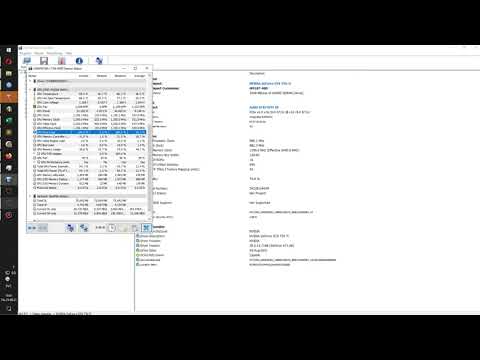 https://www.youtube.com/watch?v=Vn6rF2Np72s
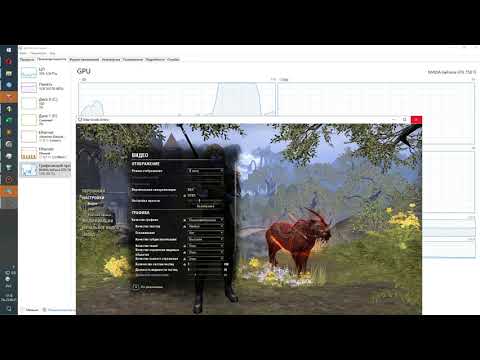 https://www.youtube.com/watch?v=BLvy2p7_6w4
This discussion has been closed.