Maintenance for the week of May 11:
• PC/Mac: No maintenance – May 11
• PC/Mac: No maintenance – May 11
Launcher stuck on "Loading"

Cifair
✭
Hello,
I used to play when eso was p2p and now I tried to give it another shot but it seems impossible as I tried to install it by downloading launcher from official eso mirror and after installing launcher it stucks on "loading..." for eternity. I tried reinstalling adobe, turning off my firewall etc. Support told me to do basic things that obviously didnt work. I use windows 7. Looking forward for replies and thanks in advance.
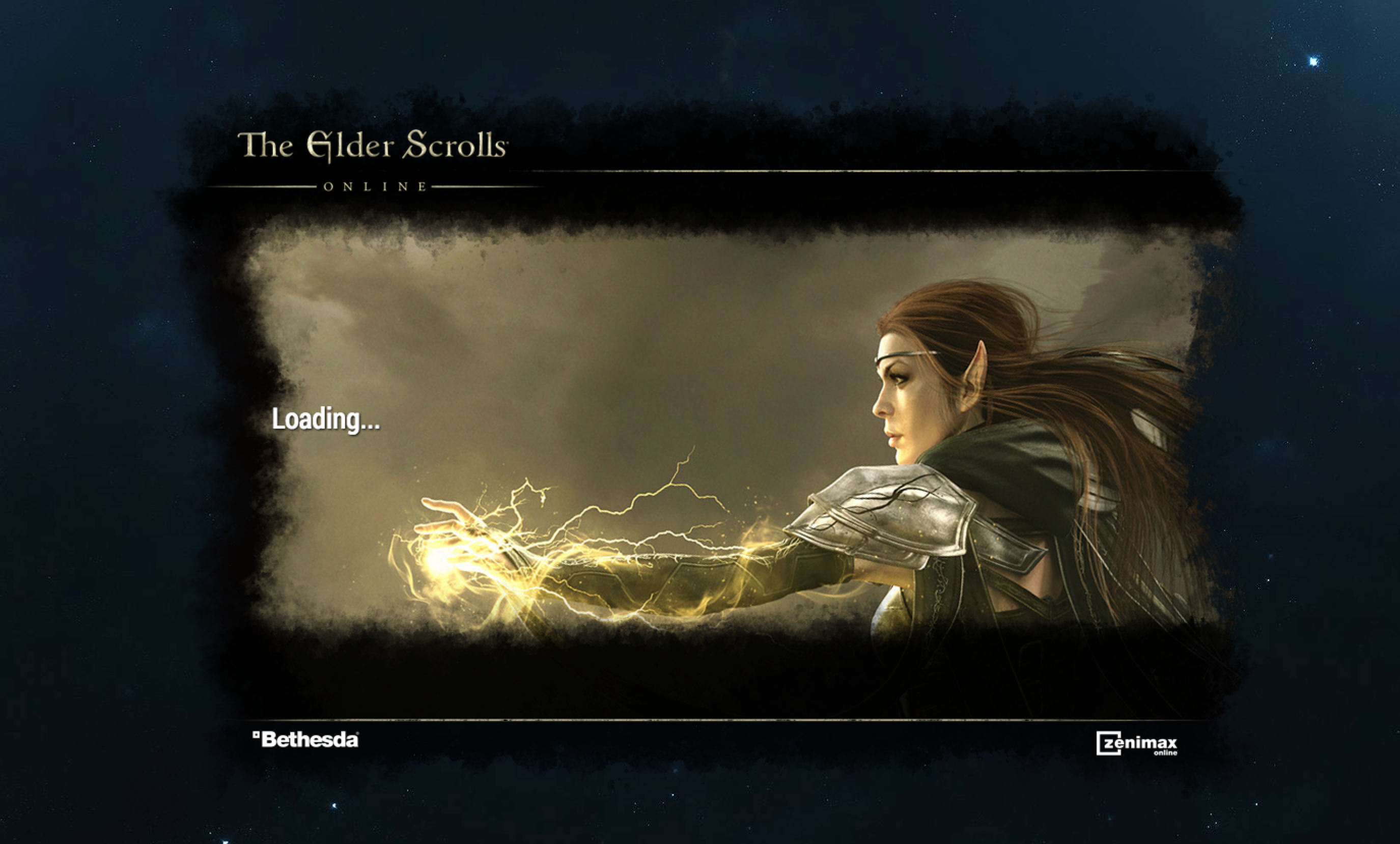
Edited by ZOS_GaryA on March 21, 2015 1:01PM I used to play when eso was p2p and now I tried to give it another shot but it seems impossible as I tried to install it by downloading launcher from official eso mirror and after installing launcher it stucks on "loading..." for eternity. I tried reinstalling adobe, turning off my firewall etc. Support told me to do basic things that obviously didnt work. I use windows 7. Looking forward for replies and thanks in advance.
I am immortal until someone proves me that I am wrong
0
-
 Xendyn✭✭✭✭✭
✭✭Yes, that's generally how support starts out, did you reply to them and tell them it didn't work? In my experience they will respond with more specific approaches, but if you never reply, they will assume it's fine and close your ticket.Lag is ruinin' my 'mershun!
A society grows great when old men plant trees whose shade they know they shall never sit in.
There is only one good, knowledge, and one evil, ignorance - Socrates
Member of the Old Guard, keepers of the game's history
PC/NA0 -
Cifair✭Yes I replied but in my experience they respond after 2-3 days and we all know that actual players have more knowledge about game than support.
I am immortal until someone proves me that I am wrong0 -
 ZOS_GaryA✭✭✭✭✭Hey there @Cifair,
Give these steps a shot and let us know if they help!
Ensure that Automatic configuration Script and Proxy Server are disabled in your Internet options. These settings can be found by following the steps below:- Open your Control Panel
- Select Internet Options
- Click Connections on the top panel
- Select LAN Settings
From here ensure that Automatic configuration Script and Proxy Server are disabled (unchecked). Once the settings are applied, please retest the issue.
If these steps didn't work, please try the following:- Go to the folder where the launcher is installed, locate the folder "ProgramData" and delete it.
- In the folder where "ProgramData" was, locate all the files "host.developer.Xlog" (X will be a number) and delete them, keep the one with no number ("host.developer.log")
- Open the file "hosts" located in C:\Windows\System32\drivers\etc and check if there is a line with the word "bethesda", if it's the case delete it and save.
We have also moved this thread to the customer support section and edited the title to assist others who may be experiencing the same issue. Thanks for your understanding!Edited by ZOS_GaryA on March 21, 2015 1:01PM0 -
Cifair✭Problem solved. There was an issue with my host file. Thanks to Tibor aka Gamemaster Trains-Pretty-Well for help.
I am immortal until someone proves me that I am wrong0