Cannot enable harvestmap data nodes via Minion on macOS Tahoe

Nyseto
✭✭✭
Been trying to run the "DownloadNewData.command" file with no luck. I have the dependencies, I've tried right clicking and opening, running terminal, etc. I keep getting 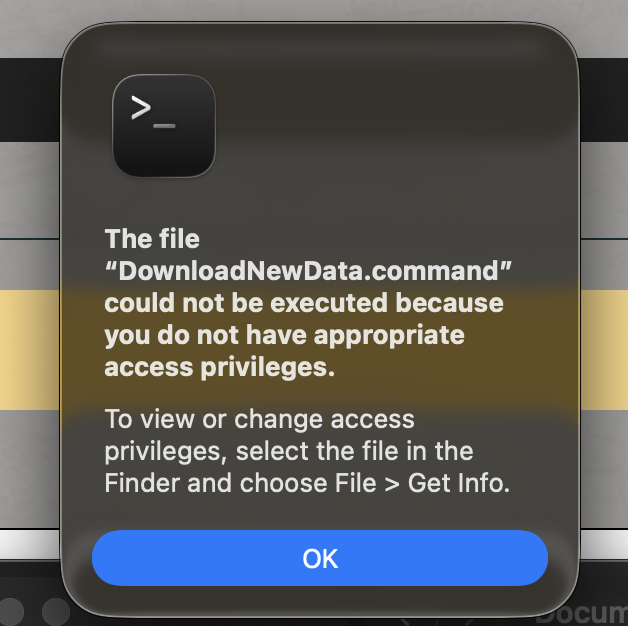
I went to get info and enable permissions, still no luck.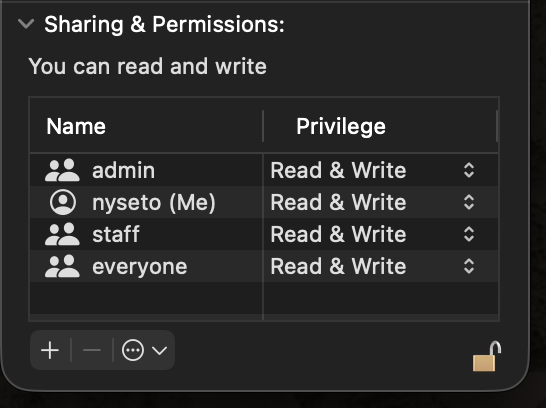
I went to get info and enable permissions, still no luck.
0
-
 LootAllTheStuff✭✭✭✭✭In Terminal, if you navigate to the folder containing the DownloadNewData.command file (cd to change directory) and type ls -l at the command line prompt, what *nix permissions do you see for it?0
 -
LootAllTheStuff✭✭✭✭✭Also, if using Terminal is not something you're comfortable with, I just saw this alternative:
https://www.esoui.com/forums/showthread.php?t=11276
Otherwise maybe @Baertram can help.1 -
 Baertram✭✭✭✭✭Sorry that's plain OS levele rror message of Mac so you need to google or saerch online how to fix that permissions issue.
It looks like your OS is blockign access to the file as the antivirus or antimalware is thinking thos could be a dangerous file, or somehting like that. Often Mac OS bocks files where there is no signature or similar telling the file's releaser and version etc.
I think there are plenty of youtube videos or google or even AI answers about how to get 1 file allowed to be executed, and access some folders, within Mac OS <your version of Mac OS>.
That's nothing about addons where I could help ;-)Edited by Baertram on December 31, 2025 2:02PM1