Maintenance for the week of August 17:
• PC/Mac: No maintenance – August 17
• PC/Mac: No maintenance – August 17
Launcher Window Size Problem Since Update

Godless11B
✭✭
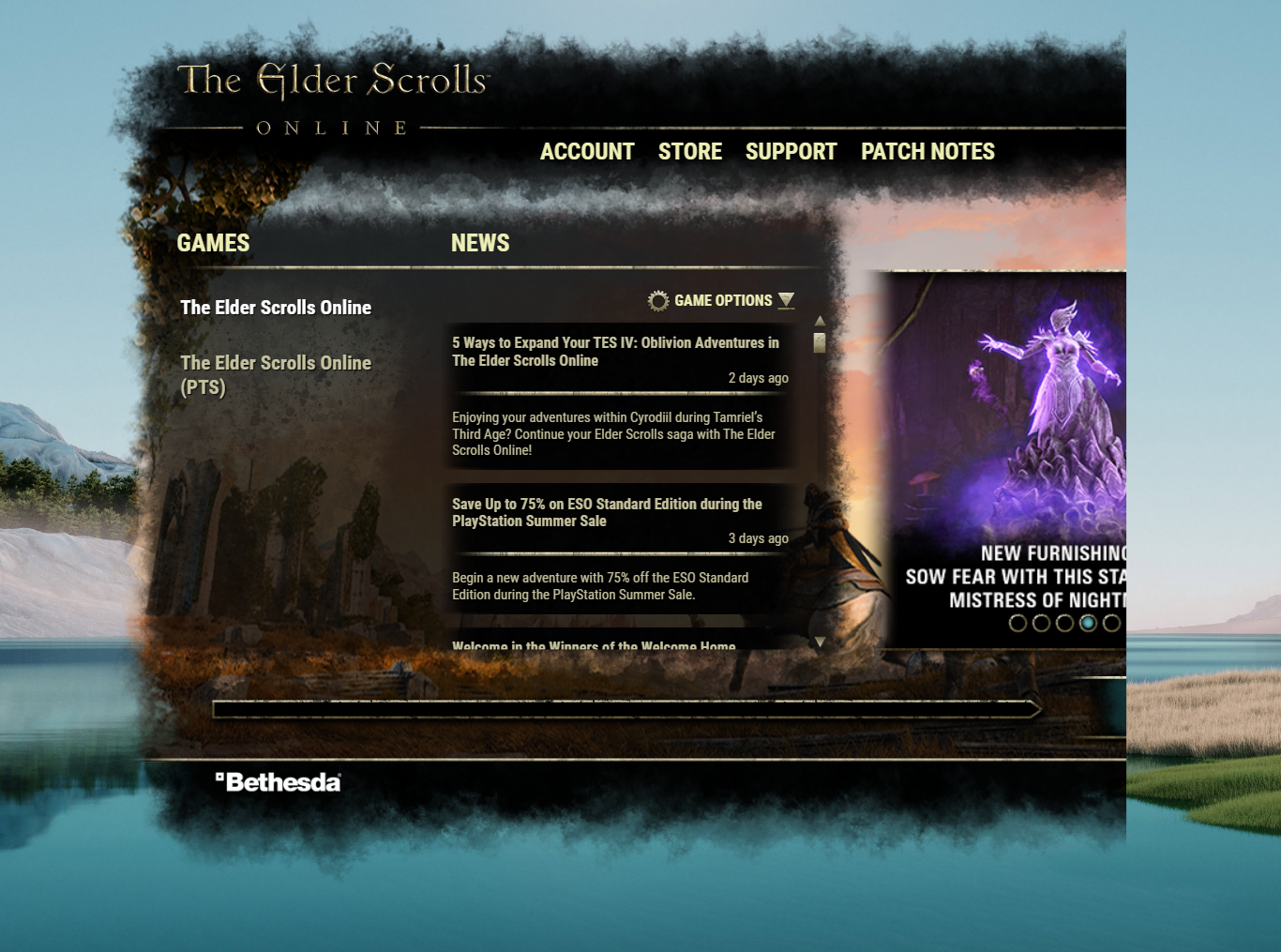
Since the last launcher update mine has opened in a window that is not large enough for all of the content to display. I am able to play, as just enough of the play button is within the clickable area, but I am unable to access the menu for the launcher's settings and have to force it to quit from the taskbar. Attached screenshot shows the problem.
Xbox gamertag is AGodless11Bravo but I'm Godless11B most other places.
1
-
 PhysicsProfSoul ShrivenI have the same problem. Have you find a work around?
I don't even get to see the Play Button, I'm cut off until the gear "Game Options" section.0