Maintenance for the week of August 17:
• PC/Mac: No maintenance – August 17
• PC/Mac: No maintenance – August 17
Trying to launch the game

aco67
Soul Shriven
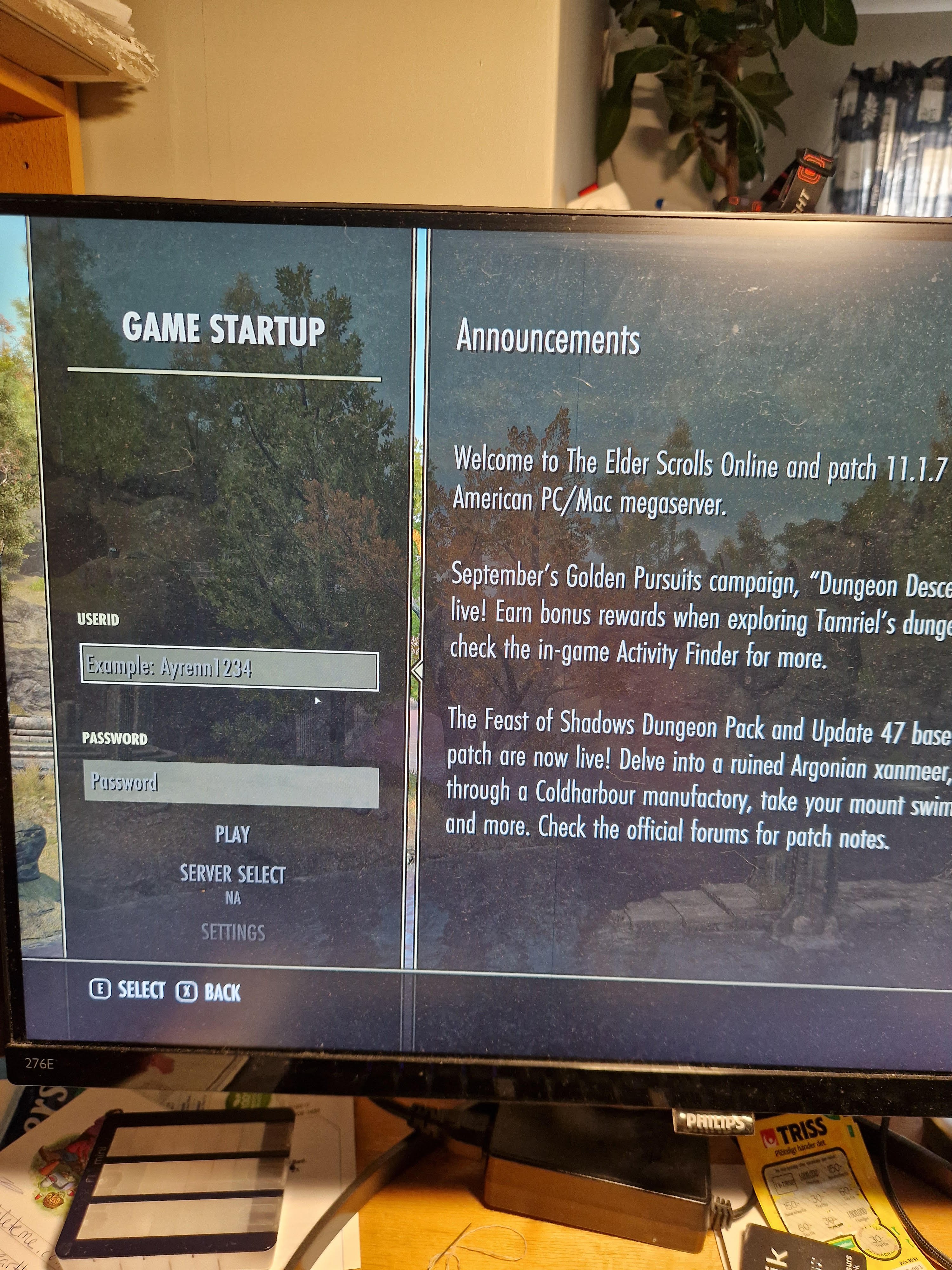
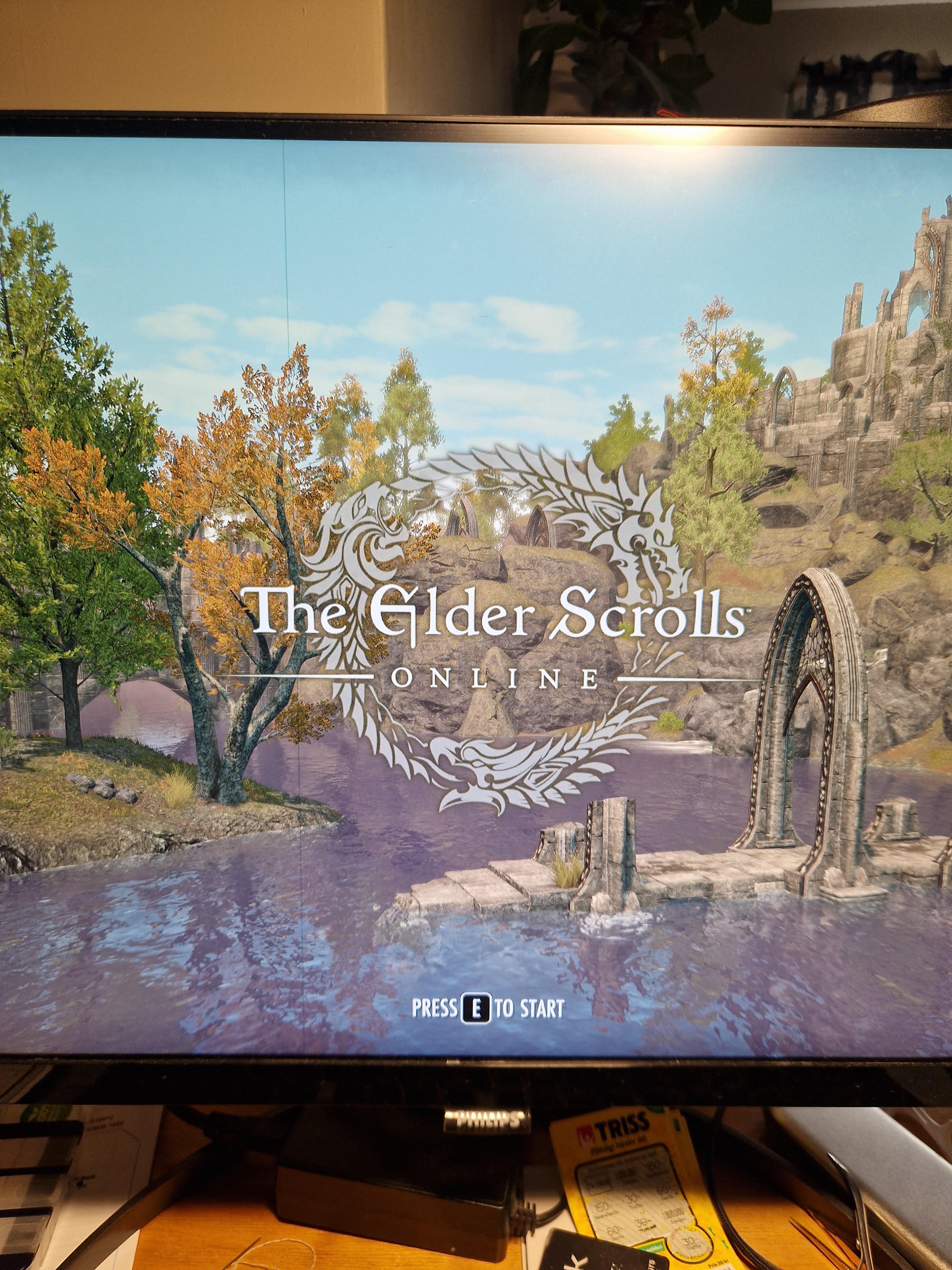
I play on PC but after the latest maintenance the game doesn't launch at all, instead it tries to launch a Xbox/playstation. How do I fix this?
0
-
 ZOS_CouchTatoadminIf you haven't already, please ensure you have tried the troubleshooting here.0
 -
aco67Soul ShrivenI use my launcher for the game that i always do. Have tried to repair, remove and reinstall but the same happens. It starts the game but it is odd looking, like a consolversion.
0 -
 SilverBride✭✭✭✭✭
✭✭✭✭✭There is a setting for accessibility mode. I think it's near the bottom of the settings menu. When it's on the game looks more like a console. Toggle it off and that should fix it.Edited by SilverBride on September 16, 2025 4:12PMPCNA0 -
aco67Soul ShrivenSilverBride wrote: »There is a setting for accessibility mode. I think it's near the bottom of the settings menu. When it's on the game looks more like a console. Toggle it off and that should fix it.
Okej, I found it! Thank you! 1
1