The issues related to logging in to the European PC/Mac megaserver have been resolved at this time. If you continue to experience difficulties at login, please restart your client. Thank you for your patience!
Can't log in/Booted from server -- "Connection Timeout", "Lost Lobby Connection", "Error Occurred"

Nyladreas
✭✭✭✭✭
✭✭✭✭
✭✭✭✭
I duplicated this thread here, because it's getting very little attention in PC Technical Support section
I keep getting the above problems all day (ever since I've installed the last patch). Sometimes I manage to log in if a miracle occurs, however I end up getting booted from either the character selection screen or from the game itself within minutes or even seconds.
Is there anything I can do to fix this? I've done all of the suggested troubleshooting on the website, disabled addons, repair game option, restarted my router and renewed my connection, tried a different provier entirely, hotspot, etc. - nothing worked so far.
Firewall/Antivirus is all good. Everything else seems to work just fine on my computer.
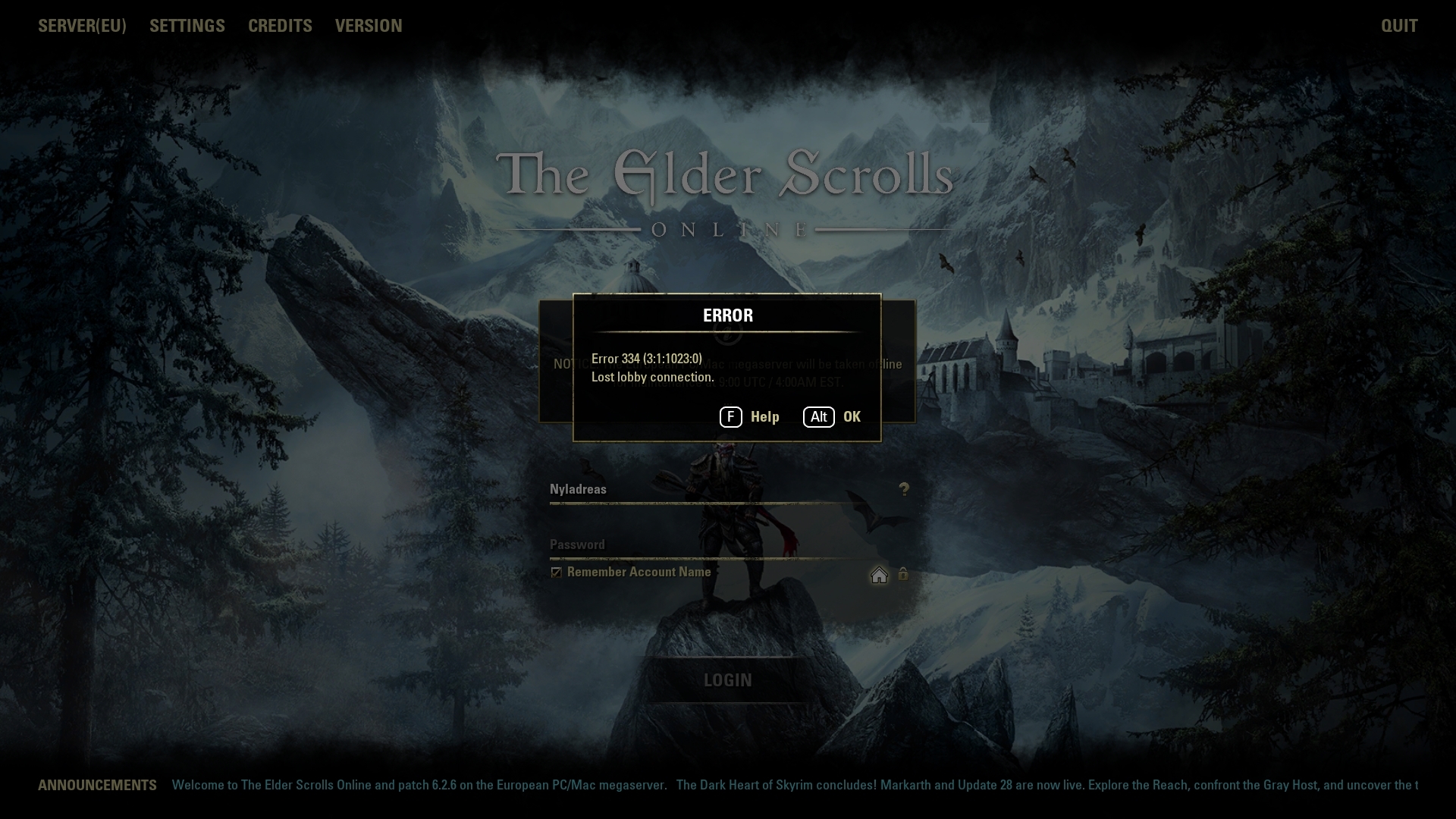
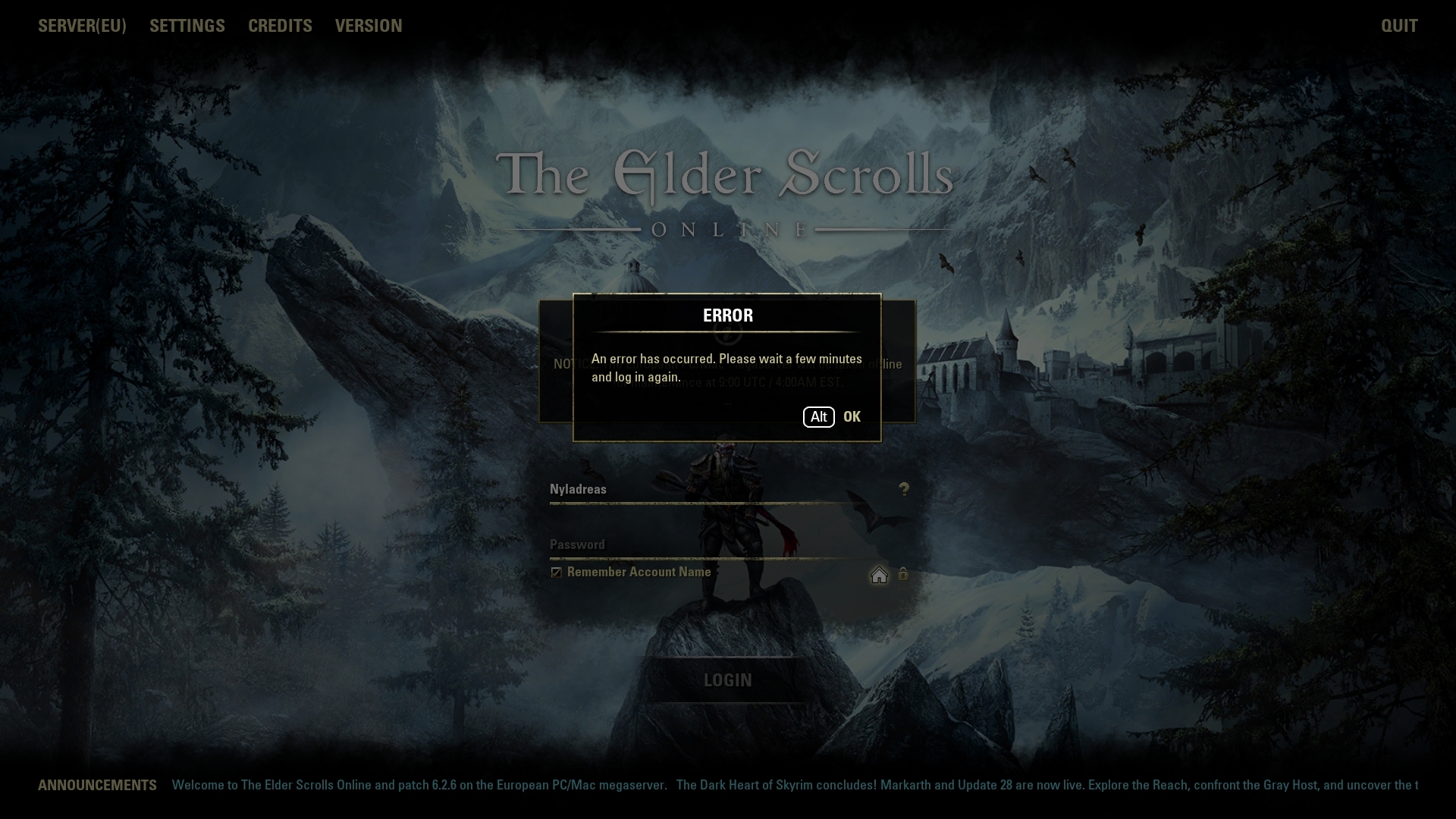
Another DCs include messages: An Error has occurred, please try to login in a few minutes/Unable to login etc.
Has anybody experienced this before? I basically CANNOT play the game at all.
Edited by Nyladreas on November 22, 2020 9:09PM I keep getting the above problems all day (ever since I've installed the last patch). Sometimes I manage to log in if a miracle occurs, however I end up getting booted from either the character selection screen or from the game itself within minutes or even seconds.
Is there anything I can do to fix this? I've done all of the suggested troubleshooting on the website, disabled addons, repair game option, restarted my router and renewed my connection, tried a different provier entirely, hotspot, etc. - nothing worked so far.
Firewall/Antivirus is all good. Everything else seems to work just fine on my computer.
Another DCs include messages: An Error has occurred, please try to login in a few minutes/Unable to login etc.
Has anybody experienced this before? I basically CANNOT play the game at all.
0
-
 Reverb✭✭✭✭✭
✭✭✭✭✭I had this issue on Tuesday after I updated the patch. It the first time in my years playing eso that I had seen that Lobby error. I was frustrated and stumped, and no repair or reinstall would fix it.
I don’t know why it occurred, but it seems the root cause was that either my user settings file or pregame saved variable file had become corrupted. I won’t go into details about how I learned that because it’s both boring and frustrating to revisit the hours I swore about this.
I deleted UserSetting.txt, Addonsettings.txt, and the entire Saved Variables folder, and the client launched as new. It went through the opening cinematic, agreed to the TOS and EULA the game launched as normal.
Then I closed the game, updated all my addons (again), and restored my saved variables and addon settings from an early November backup.
Not sure if this will help you or not, good luck.Battle not with monsters, lest ye become a monster, and if you gaze into the abyss, the abyss gazes also into you. ~Friedrich Nietzsche2 -
Nyladreas✭✭✭✭✭
✭✭✭✭
I tried what you described and it did not work for me.I had this issue on Tuesday after I updated the patch. It the first time in my years playing eso that I had seen that Lobby error. I was frustrated and stumped, and no repair or reinstall would fix it.
I don’t know why it occurred, but it seems the root cause was that either my user settings file or pregame saved variable file had become corrupted. I won’t go into details about how I learned that because it’s both boring and frustrating to revisit the hours I swore about this.
I deleted UserSetting.txt, Addonsettings.txt, and the entire Saved Variables folder, and the client launched as new. It went through the opening cinematic, agreed to the TOS and EULA the game launched as normal.
Then I closed the game, updated all my addons (again), and restored my saved variables and addon settings from an early November backup.
Not sure if this will help you or not, good luck.
You said you had an earlier backup of settings file? Do you mind sharing it perhaps? Maybe the update messed something up and I need to replace mine as well.
I was unable to play ESO all weekend because of this and it's extremely frustrating.Edited by Nyladreas on November 22, 2020 4:21PM0 -
Dysturbed✭✭✭It has become a daily experience for me multiple times a day for me. Almost to the point of not wanting to play.0
-
 Tandor✭✭✭✭✭
✭✭✭✭✭If you delete (preferably rename or move) your settings file, should it not simply create a new one?0 -
Dysturbed✭✭✭All I have tried to do today is the 7 daily crafting writs on 12 chars. Crashed 5 times and decided i had enough for the day.0
-
Deathlord92✭✭✭✭✭
✭On PS4 I’m getting blue screens, freezes which can lead to crashes and today just crashes where I was forced to close application. All of this while doing overland content.Edited by Deathlord92 on November 22, 2020 8:33PM0 -
hackdrag0n✭✭✭Got booted to login screen 6 times in a row yesterday afternoon. Managed to get in eventually but it was very frustrating.1
-
Reverb✭✭✭✭✭
✭✭✭✭✭
After you’ve deleted your user settings file and the game launches and crashes, try opening the user settings file using notepad++ or even just word pad. Is it blank or corrupted?Battle not with monsters, lest ye become a monster, and if you gaze into the abyss, the abyss gazes also into you. ~Friedrich Nietzsche0 -
Nyladreas✭✭✭✭✭
✭✭✭✭
After you’ve deleted your user settings file and the game launches and crashes, try opening the user settings file using notepad++ or even just word pad. Is it blank or corrupted?
We're talking about the one in documents folder, right? Cause that one looks normal after opening it. Or at least nothing seems to be standing out.0
