Maintenance for the week of February 16:
• ESO Store and Account System for maintenance – February 19, 9:00AM EST (14:00 UTC) - 6:00PM EST (23:00 UTC)
• ESO Store and Account System for maintenance – February 19, 9:00AM EST (14:00 UTC) - 6:00PM EST (23:00 UTC)
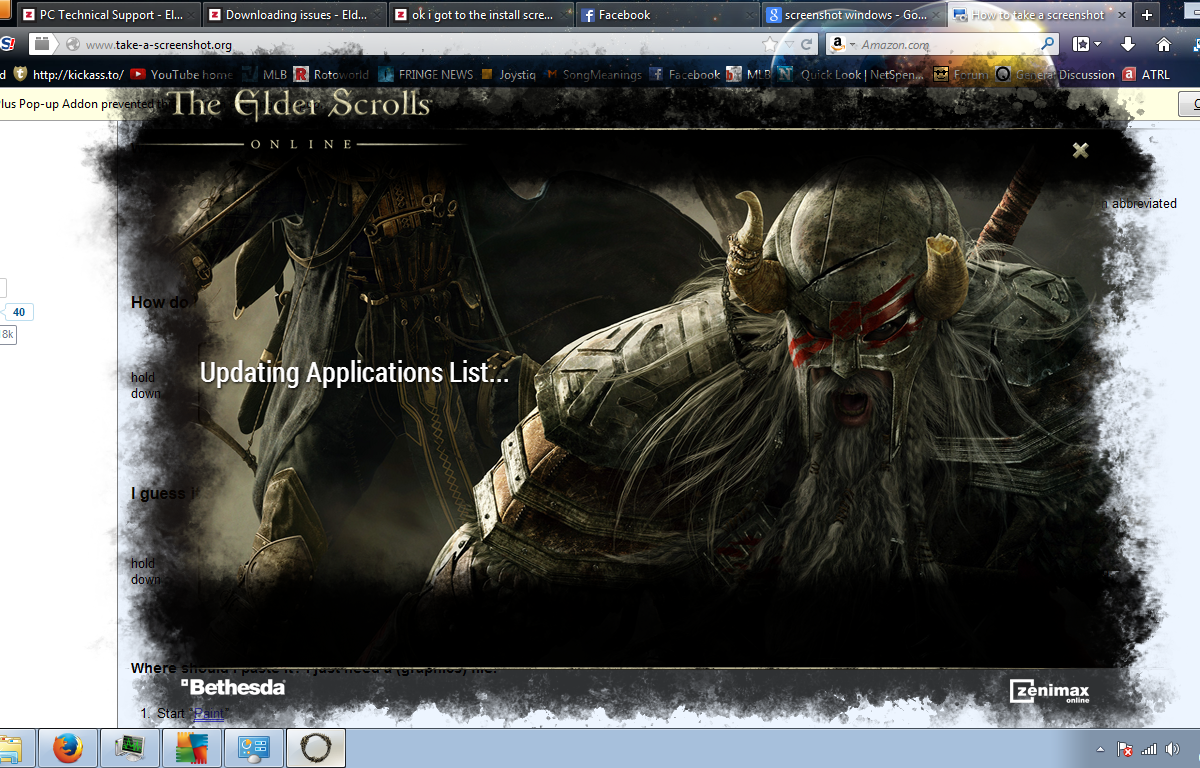
So I cant even install the game (day four)

I just wanna play the game. I've posted four threads have gotten responses but none of them work. I've tried uninstalling and what not. plus other things.
0
-
 Saerydoth✭✭✭✭That sounds like something you've got running on the computer is interfering with the install. The vast majority of time I've seen issues like this, it is being caused by antivirus software. Norton and Mcafee are particularly bad for this, but they aren't the only ones that cause it. Try disabling your AV software and try again.1
 -
wrlifeboil✭✭✭✭✭
Four days is a long time.
If you have a spare hard drive, install Windows and make it the boot drive. Attach your old drive and copy the ESO files to the new drive with the exact directory tree. Then try to run ESO.
If it works, then your anti-malware was blocking ESO. If it doesn't work, then your router might be blocking ESO ports. Then after narrowing it down, the people on this forum might be able to better help you.
So I'm guessing that there is no official ESO tech support yet, just a forum mod?0 -
 lesso✭Rather than simply asking for help try giving explicit details for example :
a)Have you tried uninstalling or disabling your anti virus, firewalls and other software security packages?
b)What security software do you currently use?
c)What operating system are you using?
d)Are you logged into your computer as an administrator?
e)Do you have any hardware based firewalls between your computer and the Internet?
f)Have you read the list of known issues post at the top of this forum?
g)What actually happens when you click the install button? e.g. are you asked for a location to install the application to?
h)Any other information you think may be relevant.
I may come across as being unhelpful however it is very difficult for anyone to assist you without more information.0 -
a:fire walls off
b:avg also off
c:windows 7 home premium
d:yes
e:not that i know of
f: i have in other threads
g:when i make it to install(when its not stuck on loading or checking updated applications) I hit install and it does nothing.0 -
right click run as administrator or reinstall windows.
reinstall windows? If thats the answer then thats bs i have to reinstall my whole system to play a game? Can you name any other game that makes you do that?(not mad at you by the way)
Edited by Midnightbottle on April 2, 2014 5:50AM1 -
wrlifeboil✭✭✭✭✭You have been waiting four days. Installing Windows on a clean spare drive would take you a few hours at most.
I would recommend that you not hose the setup or files on your old drive until you have the problem narrowed down. Restoring data isn't as easy as erasing data even when you have backups.1 -
lesso✭Please read and try the solutions mentioned here
It is quite likely that the solution is within the cannot start game client section, one other thing I would try that is not mentioned in that section is to redownload and reinstall the PC client while your antivirus is disabled.
This is taken from the above link alsoZOS_JasonL wrote:First you need to ensure you have downloaded and installed all optional updates to the .NET Framework and Visual C++, newest Direct X drivers, as well as the most up to date Video Card Drivers. A lot of issues with the game can be resolved simply from errors relating to out of date files from any of the above packages.
:edit:
The .NET and C++ optional updates can be found within windows update in case your not sure where to look try the following
"Start->Control Panel->System and Security->Windows Update->Check For Updates"
You may also need to edit the update settings and make sure the check box titled Microsoft Update is ticked.Edited by lesso on April 2, 2014 6:28AM0 -
 Mephiston87✭✭is your windows firewall on? turn it off and try it. also if that fails compltely reinstall the installer. Honestly it looks like a firewall problem.0
 -
lesso✭I agree with Mehpiston87 however some other possibilities exist these include:
- The client is corrupt or is missing files
- Your using an out of date DNS server
- Your behind a Proxy server that restricts all traffic that is not on port 80
- The client is unable to access the local file system
- Your modem may be blocking the required ports
Solutions to the above include:- ReDownload and install the client
- Edit your network connection and under DNS use 8.8.8.8 which is googles DNS servers address
- Contact your network administrator and ask that the clients required ports be allowed (although I do not know what they are)
- Disable or remove your antivirus software, Run As Administrator
- Setup Port forwarding in your modem and disable its firewalls (I still don't know the ports it requires)
If all of these fail I suggest installing the client on a friends computer use their internet connection to download and install it then copy the folder to your computer.0 -
 ZOS_RobertM✭✭@Midnightbottle Looking at the error that you are experiencing, you should try forwarding your ports to see if it helps. The ports you would need to forward to access The Elder Scrolls Online are ports 24100-24131and 24500-24507 through both TCP and UDP.
If you do not know how to forward your ports this site here should be able to help. You would need to know the make and model of your router which you can find on the router itself. You will also need to know the credentials to access your router.
If you don't have that information then you would need to contact your ISP for assistance.Edited by ZOS_RobertM on April 2, 2014 3:01PM0 -
Maestro_Sartori✭✭✭Or easier yet just bypass your router if you can and see if anything changes. At least you'll know if its the router or not...0
-
 Auric_ESO✭✭✭✭Midnightbottle wrote: »I just wanna play the game. I've posted four threads have gotten responses but none of them work. I've tried uninstalling and what not. plus other things.
Did tech support have you boot to safe mode with networking? If not let's try that first before reinstalling.
"The purpose of training is to tighten up the slack, toughen the body, and polish the spirit." Morihei Ueshiba0