Maintenance for the week of April 6:
• PC/Mac: No maintenance – April 6
• PC/Mac: No maintenance – April 6
Launcher starts but is displayed incorrectly. unable to start game...

paslegolas1
Soul Shriven
HI
I have just came back to the game... after installing the game and playing for a bit I have chose to take a break... After turning the game off I was unable to start Launcher again...
Anyone had that problem, please advise
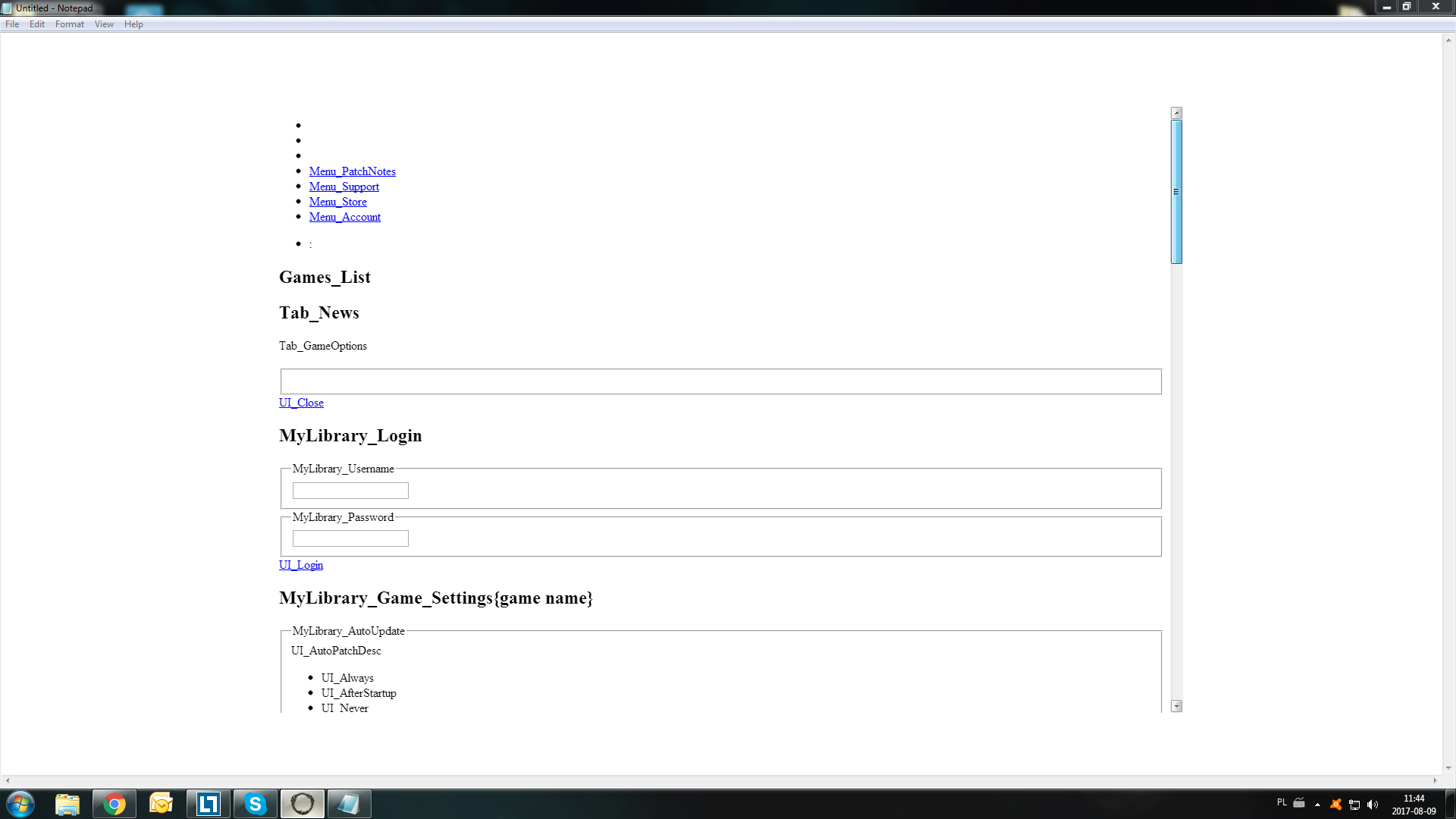
I have just came back to the game... after installing the game and playing for a bit I have chose to take a break... After turning the game off I was unable to start Launcher again...
Anyone had that problem, please advise
0
-
 ZOS_BilladminIf your ESO Launcher is failing to open, you should ensure that Automatic configuration Script and Proxy Server are disabled in your Internet options. These settings can be found by following the steps below:
- Open your Control Panel.
- Select Internet Options.
- Click Connections on the top panel.
- Select LAN Settings.
- Ensure that Automatic configuration Script and Proxy Server are disabled (unchecked).
- Once the settings are applied, restart the ESO Launcher.
The Elder Scrolls Online: Tamriel Unlimited - ZeniMax Online Studios
Forum Rules | Code of Conduct | Terms of Service | Home Page | Help Site0