Maintenance for the week of August 24:
• PC/Mac: No maintenance – August 24
• PC/Mac: No maintenance – August 24
Launcher and game client do not load / connect, requires full restart

MoonPile
✭✭✭✭✭
✭
✭
UPDATE: solution here
OP:
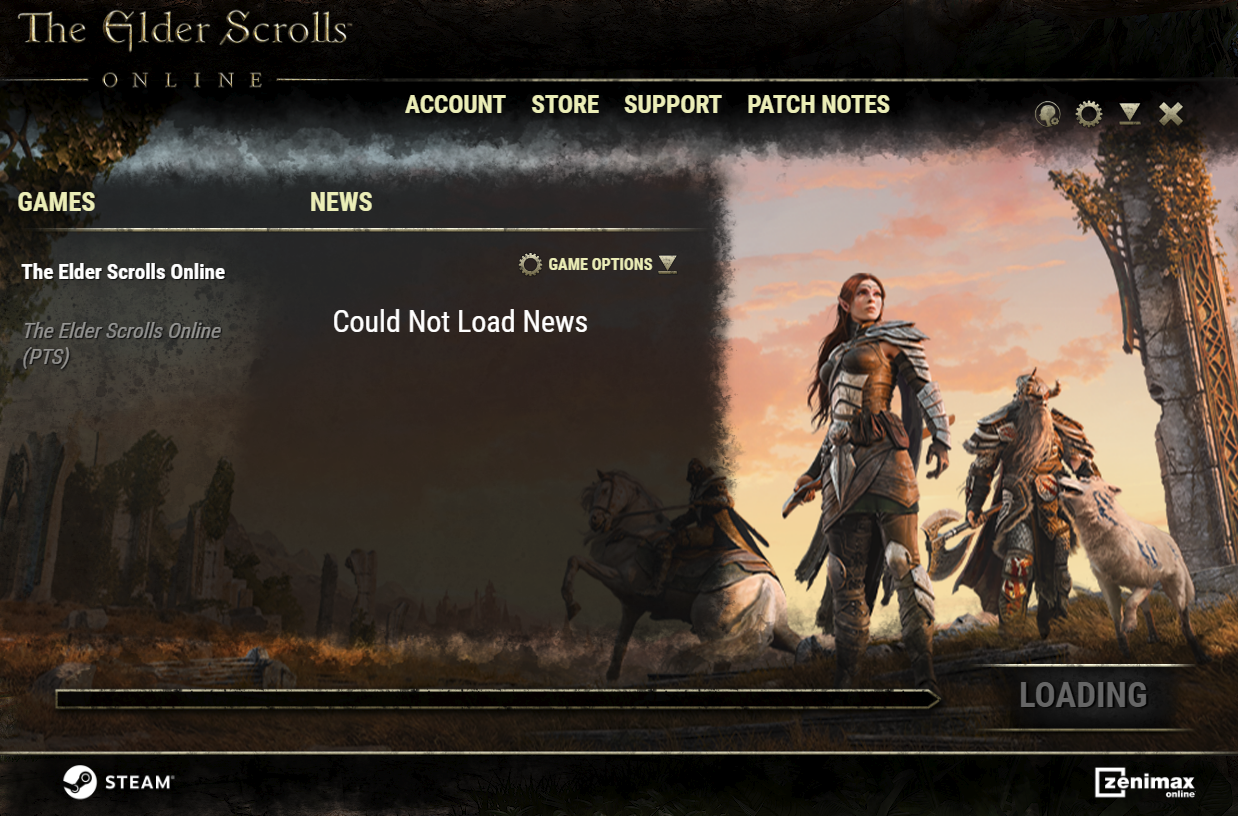
As of a couple of weeks ago, occasionally the launcher just hangs and doesn't load anything.
Edited by MoonPile on April 28, 2026 10:40PM OP:
As of a couple of weeks ago, occasionally the launcher just hangs and doesn't load anything.
- Even when the "play" button finally pops in after a few minutes, it's not possible to actually play the game because it's not connected.
- I have a separate instance of ESO I can launch without the launcher, but same thing: the game won't connect / doesn't allow login.
- I can only get it to connect by restarting my entire PC.
0
-
Ravenshadow6513✭✭✭As of a couple of weeks ago, occasionally the launcher just hangs and doesn't load anything.
- Even when the "play" button finally pops in after a few minutes, it's not possible to actually play the game because it's not connected.
- I have a separate instance of ESO I can launch without the launcher, but same thing: the game won't connect / doesn't allow login.
- I can only get it to connect by restarting my entire PC.
I've had this issue when closing the game. It will hang and show the greyed-out "loading" for 30-40 seconds. I've been launching the game from the .exe instead of the launcher to get around the issue.0 -
sshogrin✭✭✭✭✭You can go into your Task Manager and search for "Bethesda" in the processes and then right click and choose "End Task".
There's been a problem with ESO having something running in the background or hanging up with the launcher for a few updates now.
There was an update that caused the game to use a lot more CPU and resources, and when quitting the game, it hangs up on quitting so you can't close the launcher.
This has been reported a bunch, support tickets have been made, but nothing has been done to fix it.
Update 49 made things worse. I used to get 120 FPS consistently, now I'm lucky to get 60, it's usually around 59 FPS, and there's frame freezes. That's also been reported in the forums and tickets have been made, but nothing is being done to fix these issues. There's lots of people that have game crashes now, getting kicked from the game more frequently, etc. All that is being reported, but it seems to be ignored.
@ZOS_Kevin are any of these reports being looked into and addressed? Performance issue have been a problem for a few updates now.0 -
MoonPile✭✭✭✭✭
✭I've had the hang-up issue while the game is running / after closing before, but IIRC solved it by downloading a different version of the launcher from one of the threads about that. It's on the official site somewhere, not going to search for that right now.
Both of the comments above are a different issue than I'm having in the OP:
This issue is new and is now happening every time I start up my computer after sleep. It happens before the game ever runs, which is the main problem: I cannot start the game at all.
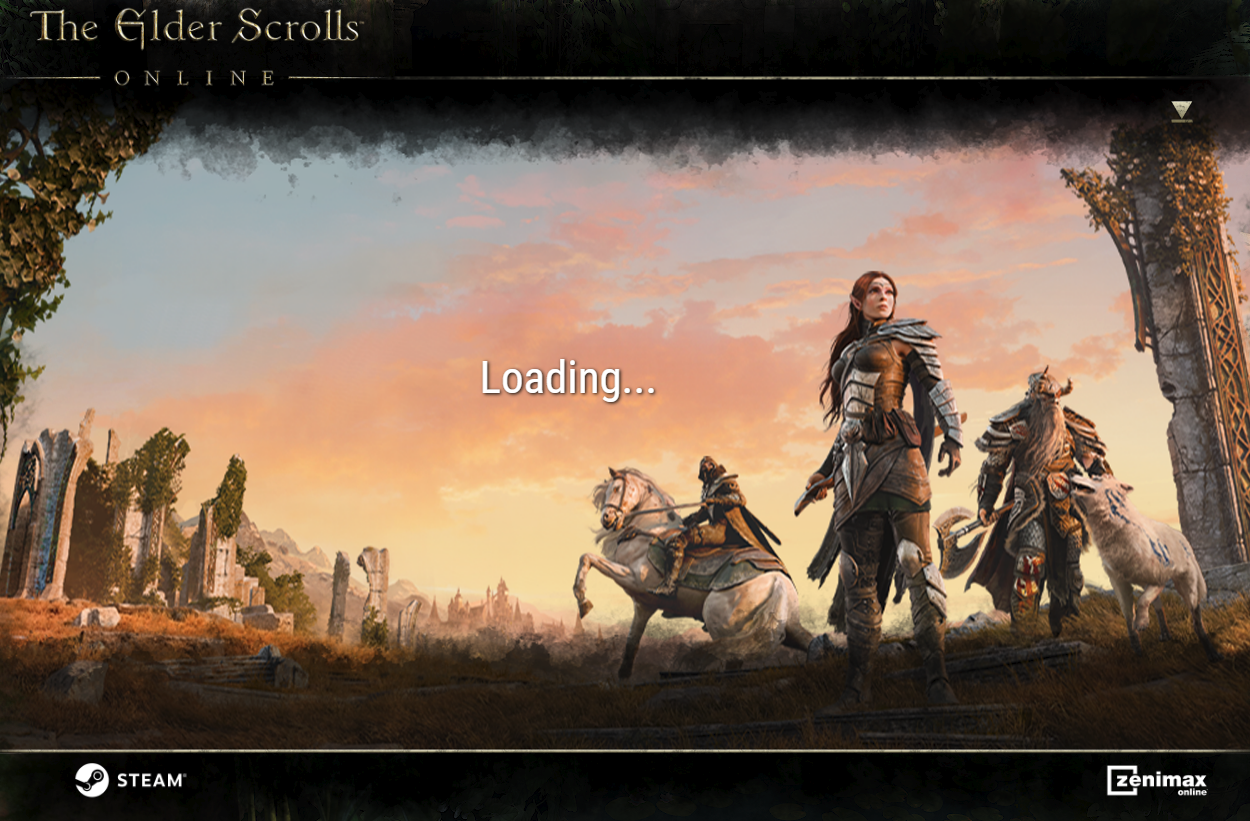
Here it is again today; first it's "loading" really slowly, take a minute or two: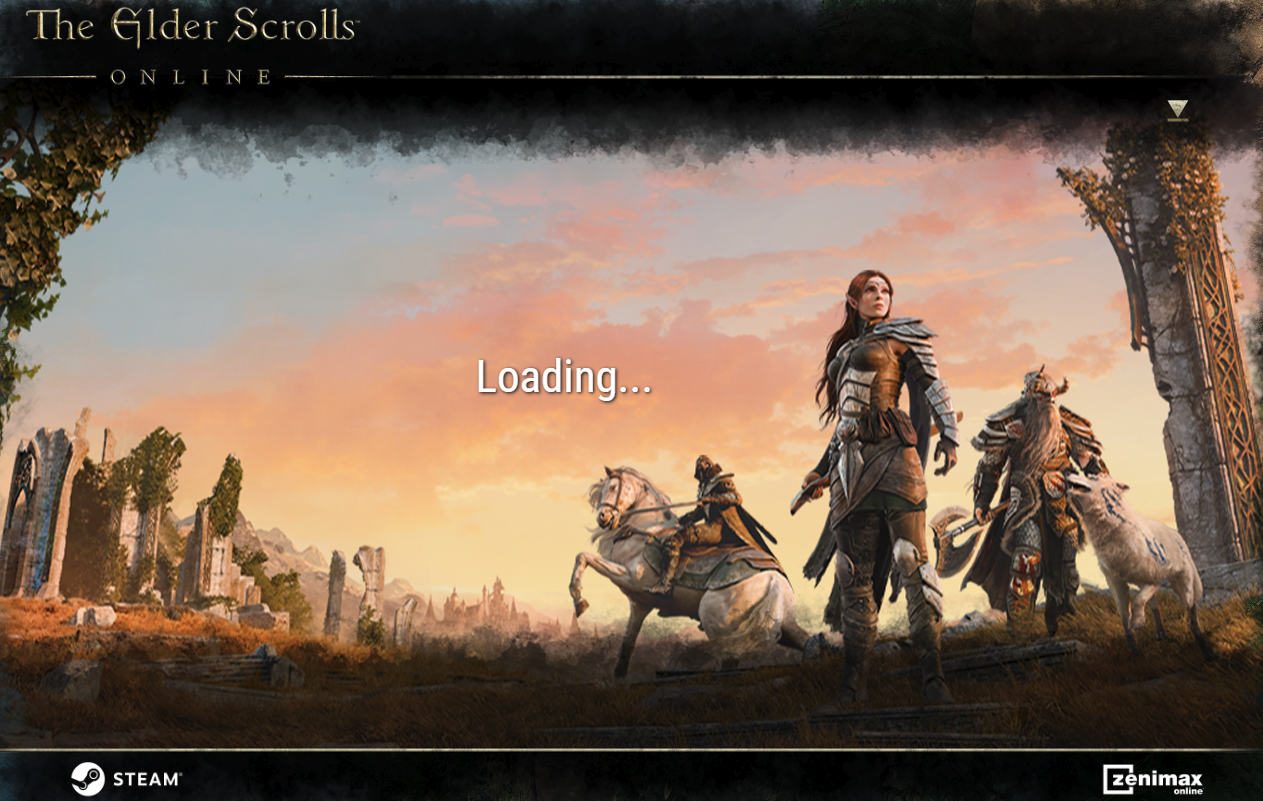
Then ends up like this: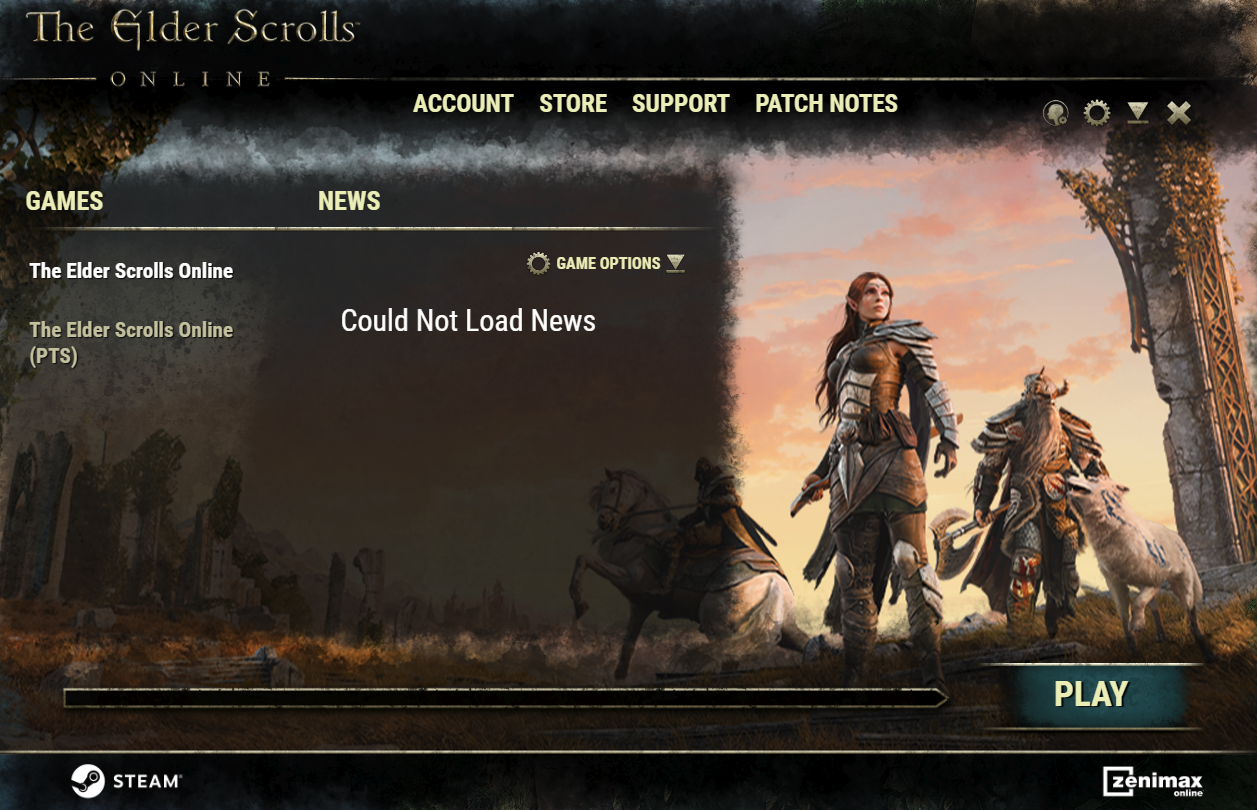
It's not just the launcher; the whole game isn't connecting. Here I'm running the client directly (I use this for my non-Steam alt account); it won't let me log in: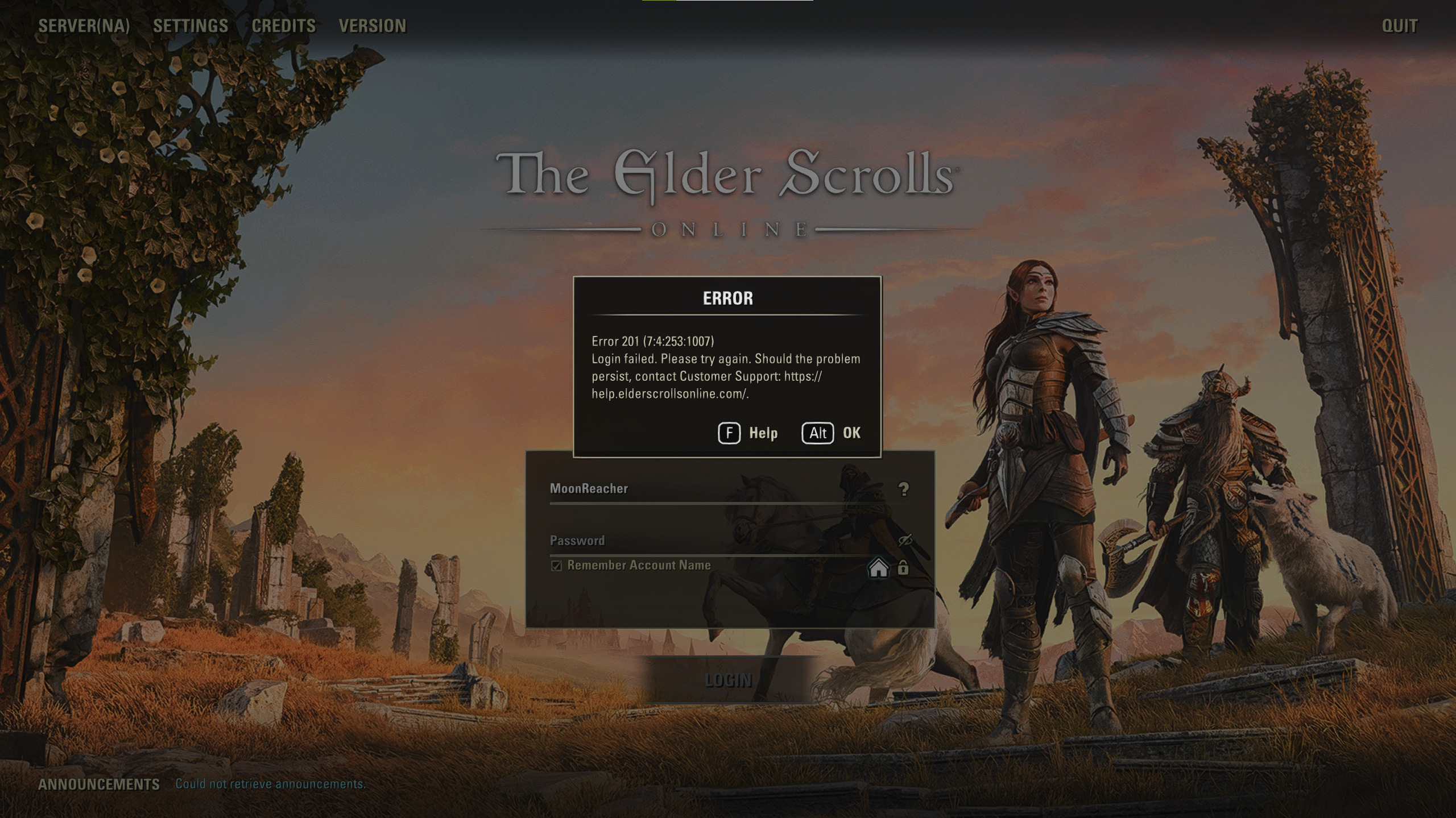
Force-quitting via Task Manager and restarting the launcher and/or client doesn't do anything. Same issues persist. As stated in the OP, it requires a full restart of the PC.
Edited by MoonPile on April 8, 2026 6:46PM0 -
MoonPile✭✭✭✭✭
✭I've had the hang-up issue while the game is running / after closing before, but IIRC solved it by downloading a different version of the launcher from one of the threads about that. It's on the official site somewhere, not going to search for that right now.Both of the comments above are a different issue than I'm having in the OP:
This issue is new and is now happening every time I start up my computer after sleep. It happens before the game ever runs, which is the main problem: I cannot start the game at all.
Here it is again today; first it's "loading" really slowly, take a minute or two:
Then ends up like this:
It's not just the launcher; the whole game isn't connecting. Here I'm running the client directly (I use this for my non-Steam alt account); it won't let me log in:
Force-quitting via Task Manager and restarting the launcher and/or client doesn't do anything. Same issues persist. As stated in the OP, it requires a full restart of the PC.
P.S. I was going to try repairing the game files (the launcher option) but I thought I'd read ages ago that this can mess things up if you're using Steam? Is that still the case?
Edited by MoonPile on April 8, 2026 6:48PM0 -
Ravenshadow6513✭✭✭You mentioned the issue happens when you start up your computer after sleep. The windows sleep feature isn't like shutting down your computer. Sleep only moves things to memory and enters a low power state. Does it still have the same issue if you completely shutdown and boot the computer back up?0
-
MoonPile✭✭✭✭✭
✭Ravenshadow6513 wrote: »You mentioned the issue happens when you start up your computer after sleep. The windows sleep feature isn't like shutting down your computer. Sleep only moves things to memory and enters a low power state. Does it still have the same issue if you completely shutdown and boot the computer back up?
I'm aware, re: sleep vs shut down. That suggestion would have the same effect as a restart, in that yes, it works after, but the issue was having to entirely restart or shut down-and-re-start at all.
But I think it's moot anyway; an update yesterday seems to have fixed it. TBD.0 -
MoonPile✭✭✭✭✭
✭Microsoft update didn't help. I attempted repairing the game files, but it still occasionally does this.
But NOW I know the culprit: my VPN; I recently switched to a new one. Which is odd, because I use split-tunneling so the Launcher and ESO exe are not using the VPN. Maybe it's Steam getting in the way somehow... should turn that off too.
The good thing is, it's easily remedied and doesn't require a full restart of the PC.
If it happens to you and you use VPN, try this:- close ESO launcher
- pause VPN
- restart launcher: it works immediately. close it.
- re-enable VPN
- start launcher again. It works.
Edited by MoonPile on April 28, 2026 10:48PM0