Maintenance for the week of January 5:
• PC/Mac: No maintenance – January 5
• NA megaservers for maintenance – January 7, 4:00AM EST (9:00 UTC) - 10:00AM EST (15:00 UTC)
• EU megaservers for maintenance – January 7, 4:00AM EST (9:00 UTC) - 10:00AM EST (15:00 UTC)
• PC/Mac: No maintenance – January 5
• NA megaservers for maintenance – January 7, 4:00AM EST (9:00 UTC) - 10:00AM EST (15:00 UTC)
• EU megaservers for maintenance – January 7, 4:00AM EST (9:00 UTC) - 10:00AM EST (15:00 UTC)
Brightness Levels for 4K HDR Modes on PS5

katanagirl1
✭✭✭✭✭
✭✭✭✭✭
✭✭✭✭✭
I realize the developers are busy with bug fixes for the High Isle Chapter on PC right now, but I have gathered together some data for a long standing issue with HDR on consoles and hope it can be addressed in the future.
While I was very pleased that the Default HDR was added for consoles, I still struggle with how dark the Default HDR version is compared to the Vibrant HDR that we had initially. My main problem with Vibrant is that the colors are extremely oversaturated. I have mentioned it before only in words but recently took some time to get a few snapshots comparing the two and what they look like at various brightness levels.
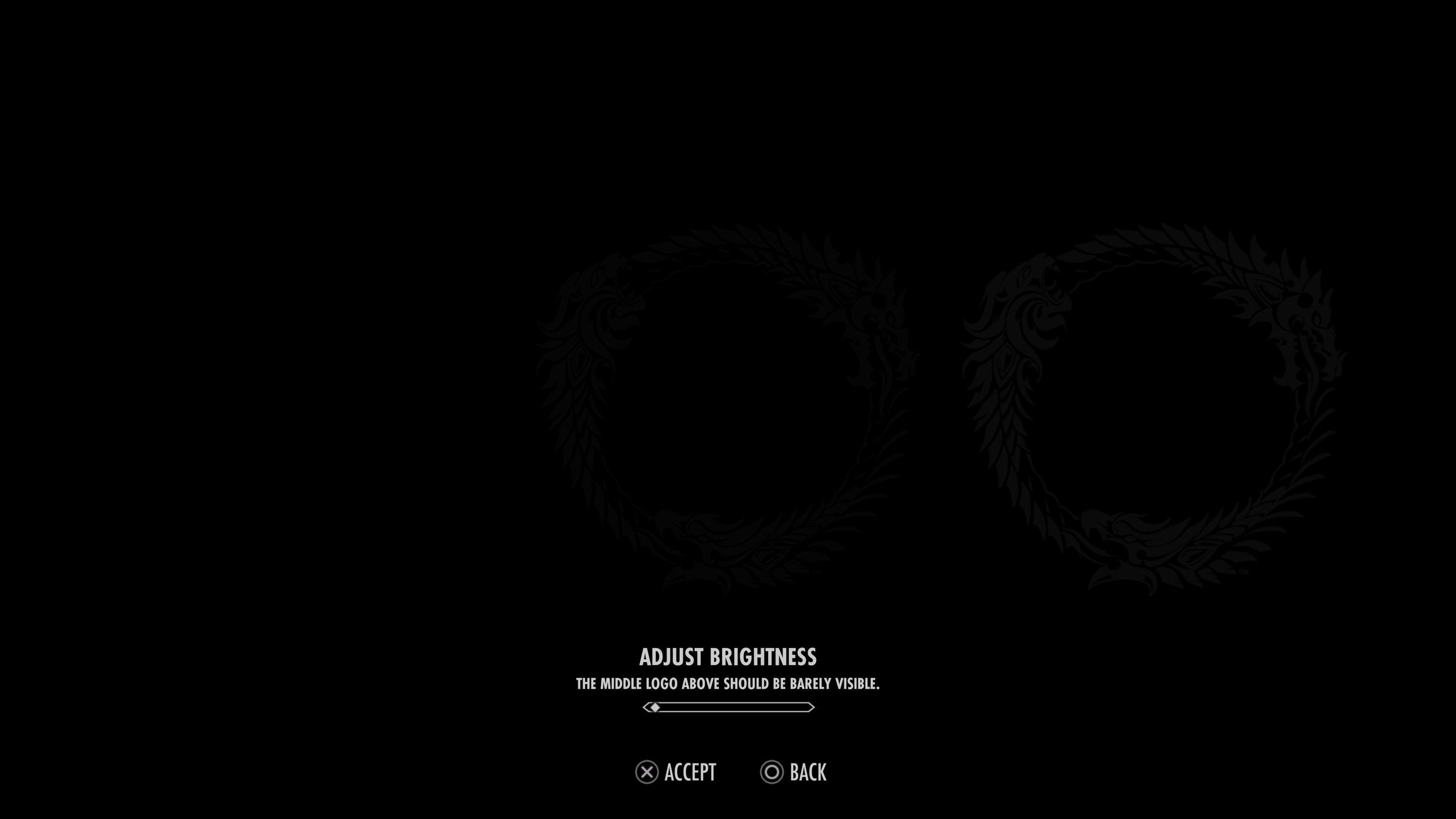
First of all, if I set the brightness to the appropriate level, where the middle circle is just visible, it looks like this (the images come out a little darker here but I don't want to try to compensate each one equally here and just leave them as is):
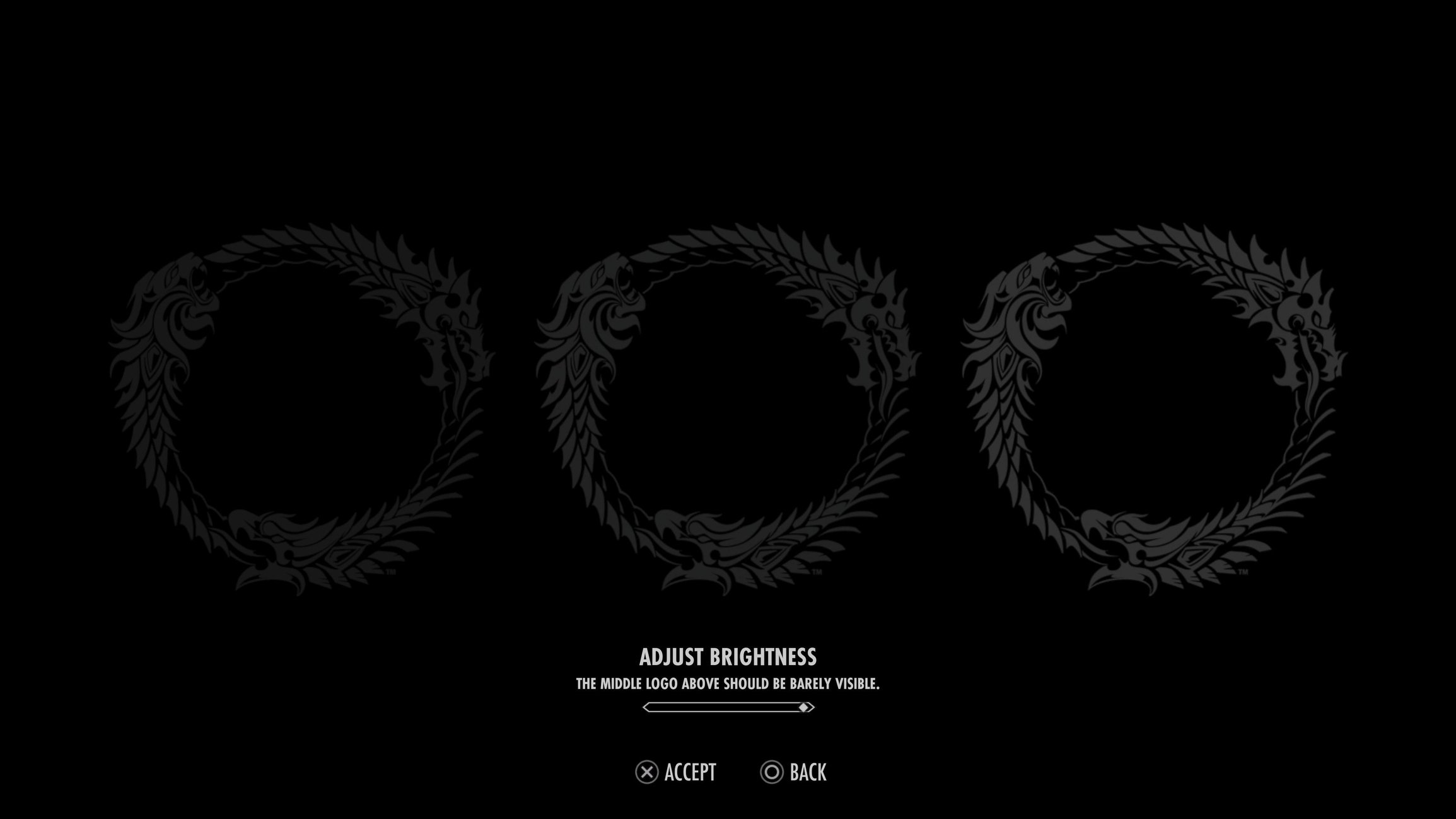
In actuality, I have to turn the brightness up as far as it will go in order to play at night or indoors, so it looks like this:
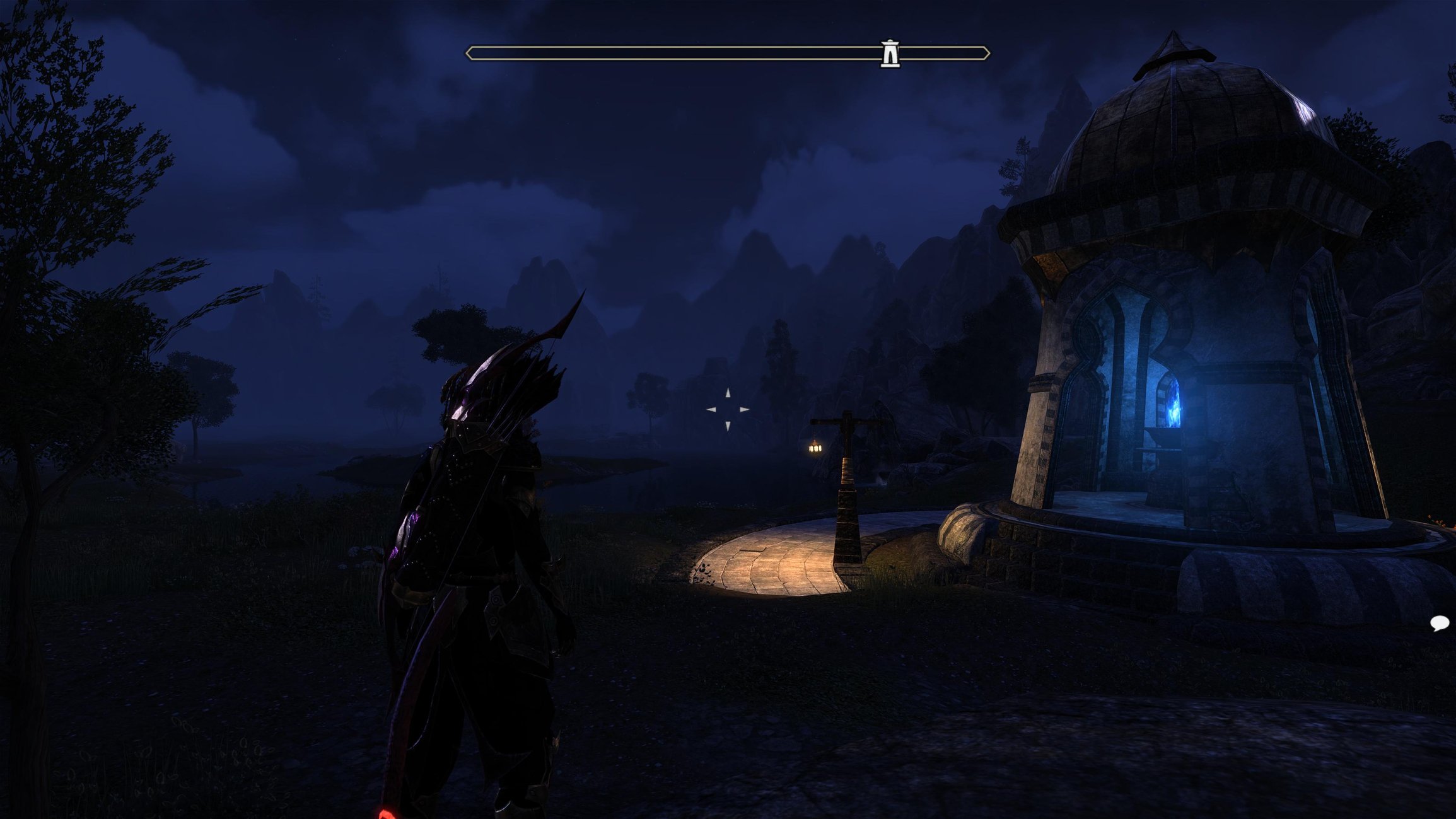
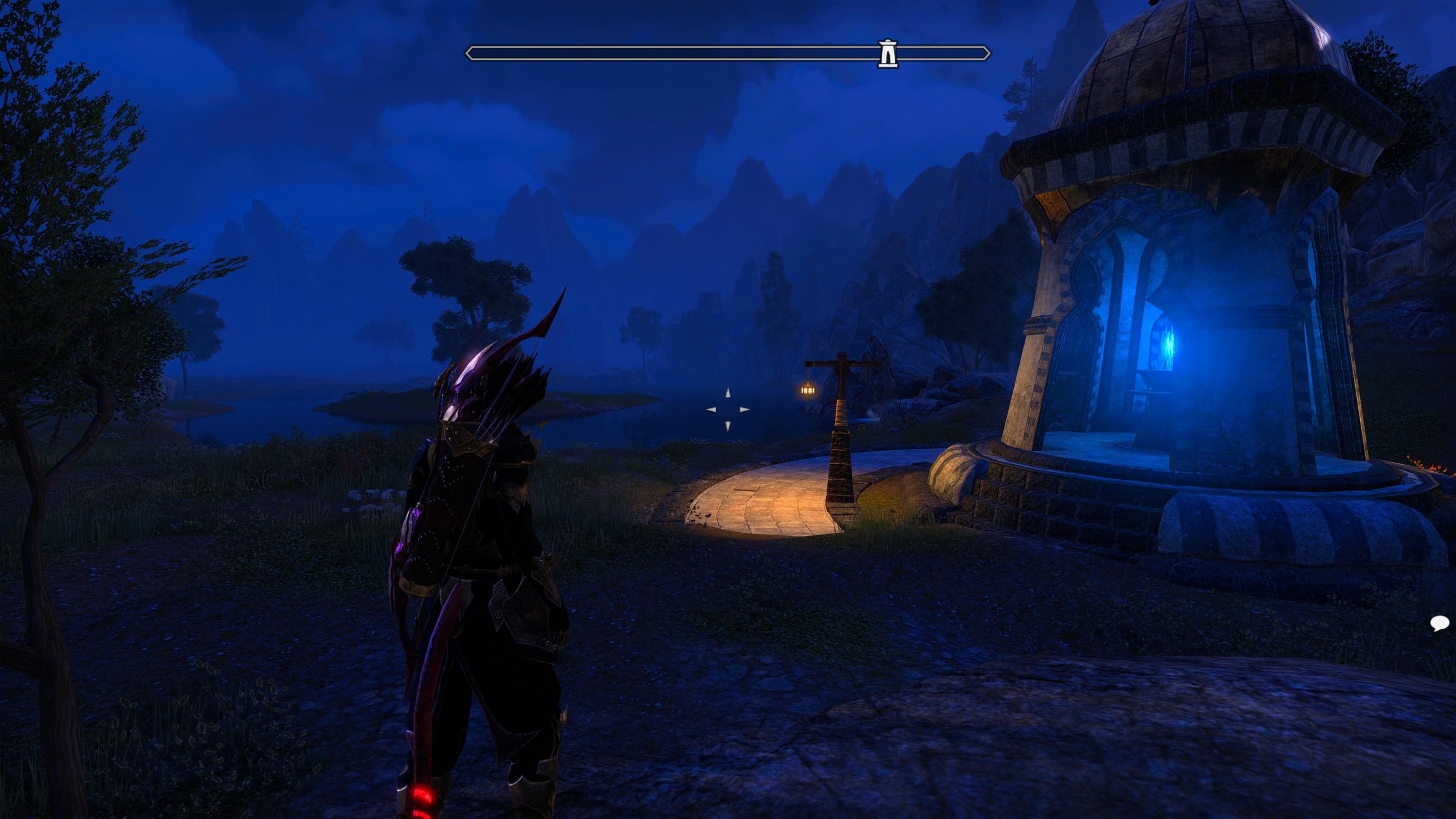
Ok, so first I'll start off comparing the Default HDR and Vibrant HDR at night with maximum brightness. Here are snapshots of the same area at the same time:
Here is the same area with both Default HDR and Vibrant HDR settings on Default HDR during the day with maximum brightness:
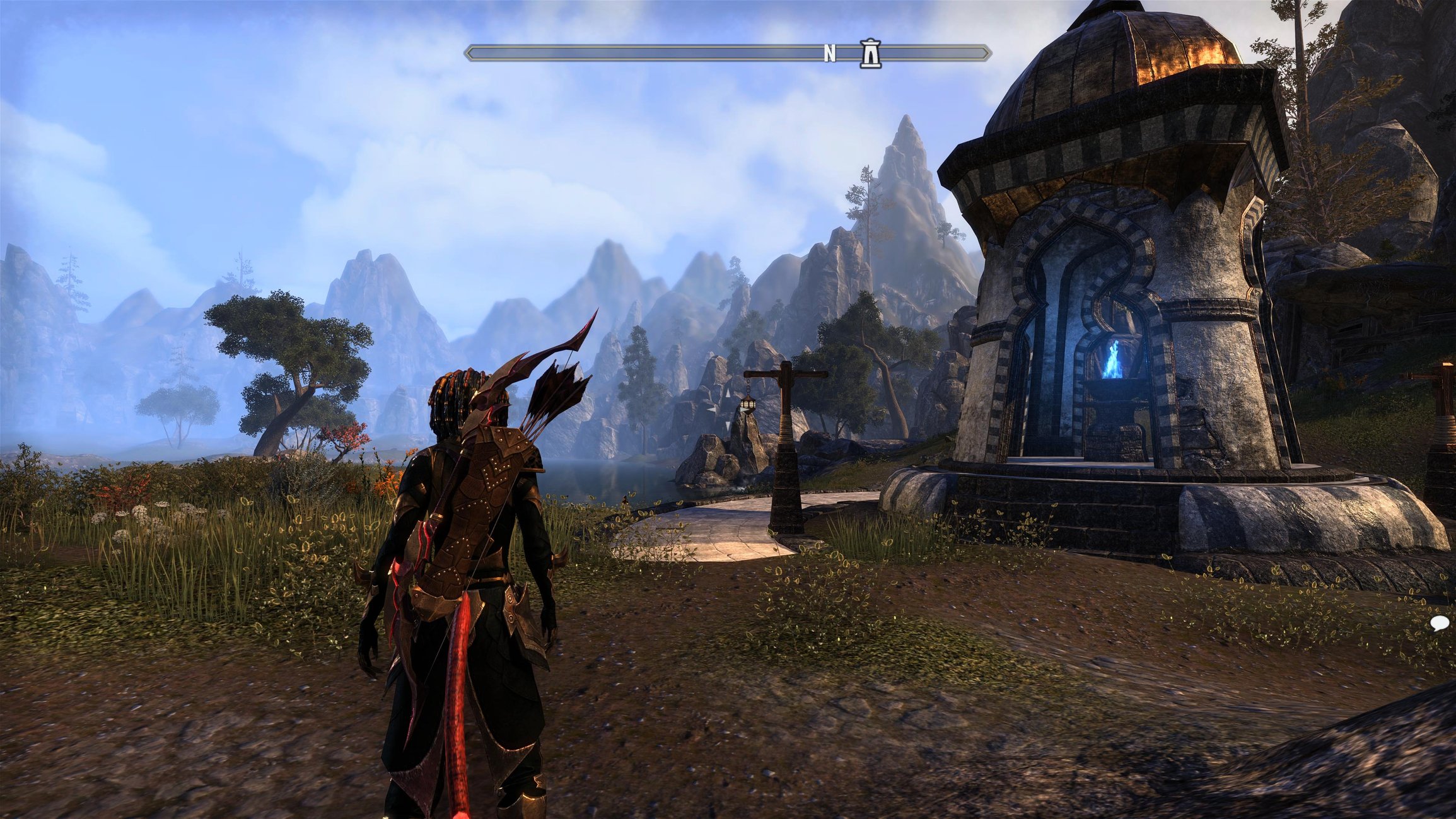
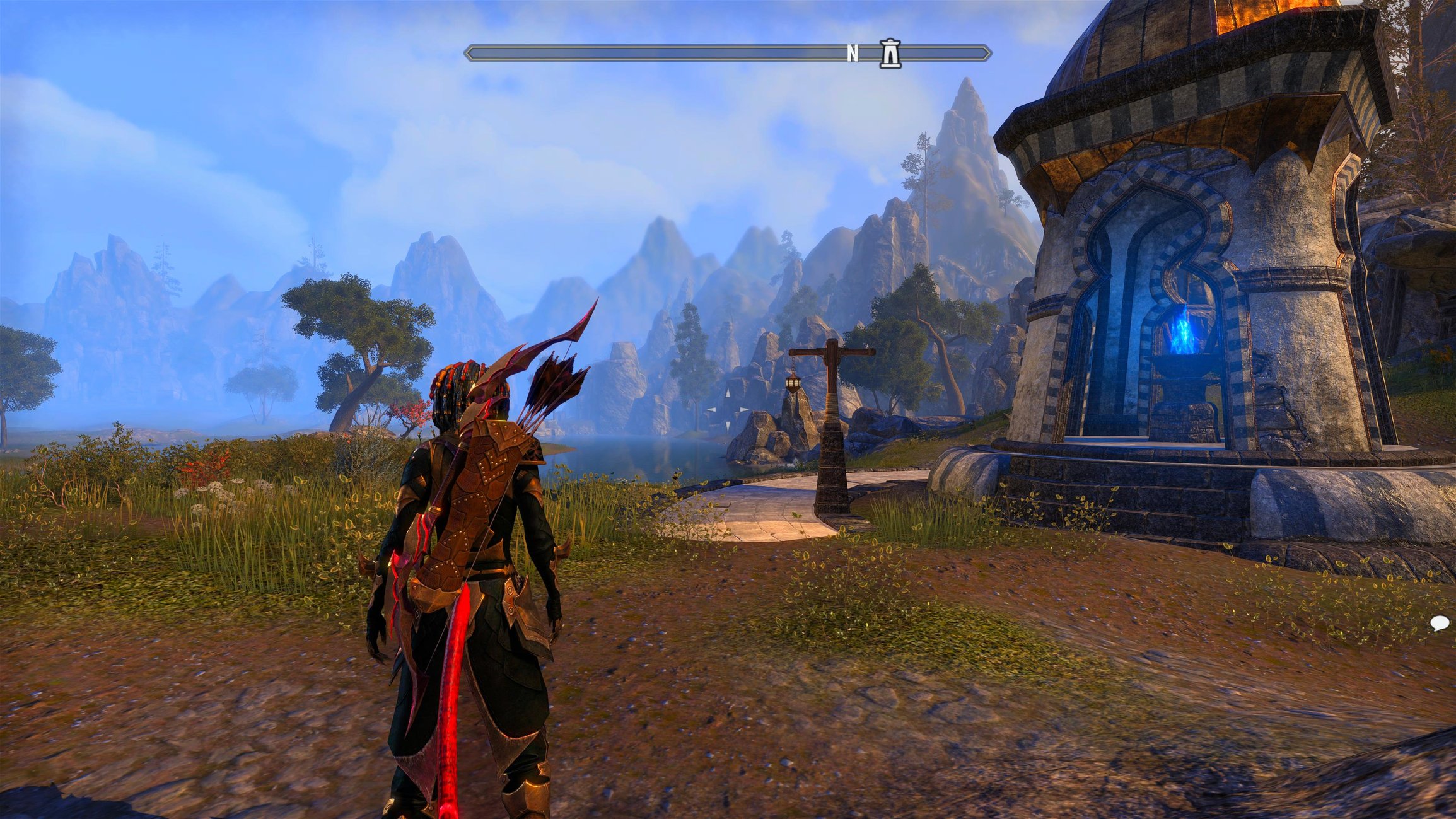
For comparison, I'll show the previous max brightness Default HDR and the "properly adjusted" brightness side by side:
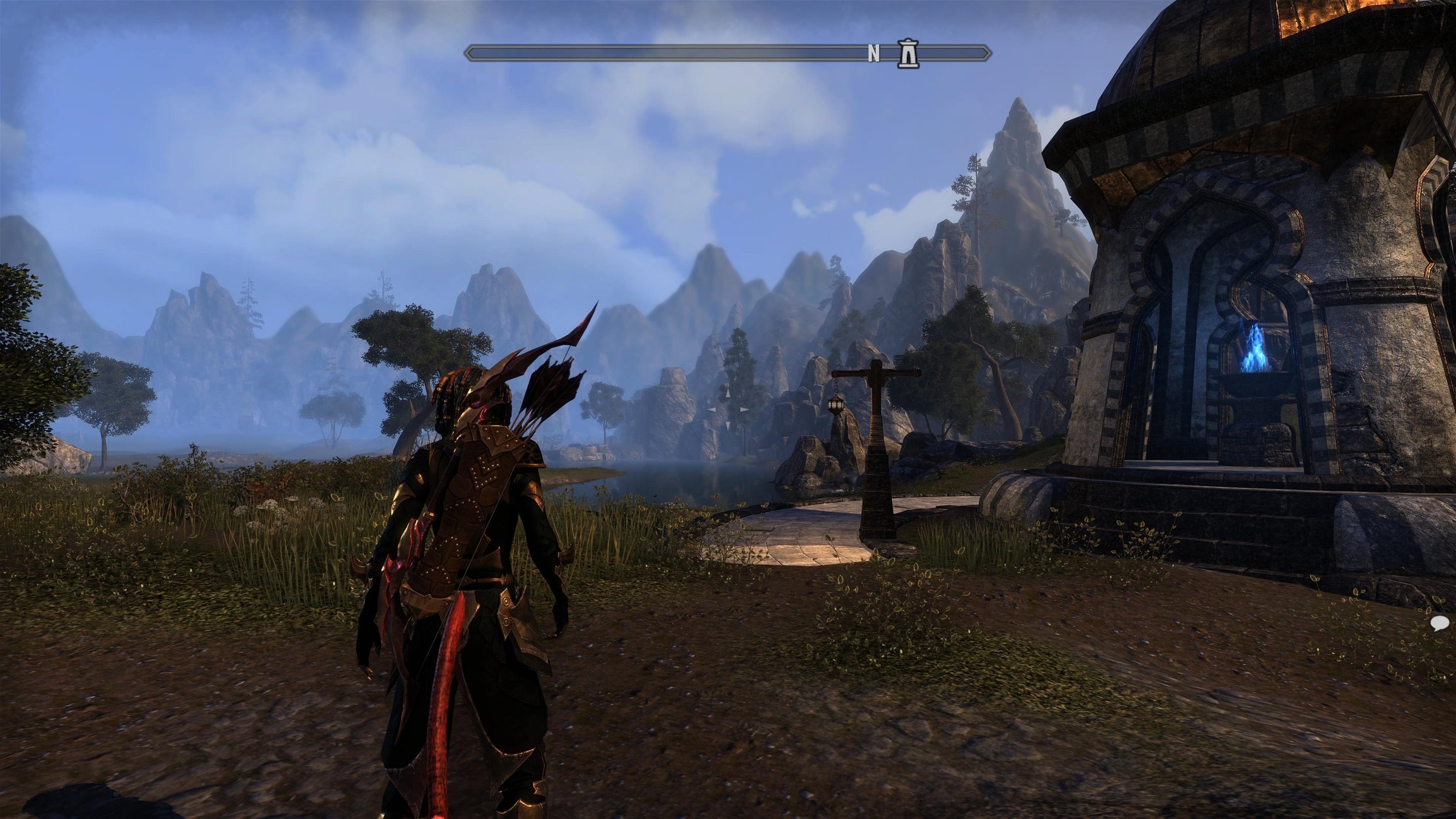
So essentially, there is not a great deal of difference between the properly adjusted brightness and max brightness even during the day. In fact, if you look above you will see that I have the brightness at minimum to make the center circle just barely visible when setting it properly. These are the two extremes of what is possible for adjusting the graphics. The real problem is that I would like to increase the brightness further and I cannot.
I have noted that the UI text for zone chat does gets a lot brighter and can be blinding when it is nighttime but the actual graphics themselves are only slightly brighter for max brightness versus properly adjusted brightness.
I hope that after the patch fixes are completed that someone at ZOS can look into this brightness issue and enable players to be able to increase the brightness further to reduce eye strain and make a more enjoyable playing experience all around.
While I was very pleased that the Default HDR was added for consoles, I still struggle with how dark the Default HDR version is compared to the Vibrant HDR that we had initially. My main problem with Vibrant is that the colors are extremely oversaturated. I have mentioned it before only in words but recently took some time to get a few snapshots comparing the two and what they look like at various brightness levels.
First of all, if I set the brightness to the appropriate level, where the middle circle is just visible, it looks like this (the images come out a little darker here but I don't want to try to compensate each one equally here and just leave them as is):
In actuality, I have to turn the brightness up as far as it will go in order to play at night or indoors, so it looks like this:
Ok, so first I'll start off comparing the Default HDR and Vibrant HDR at night with maximum brightness. Here are snapshots of the same area at the same time:
Here is the same area with both Default HDR and Vibrant HDR settings on Default HDR during the day with maximum brightness:
For comparison, I'll show the previous max brightness Default HDR and the "properly adjusted" brightness side by side:
So essentially, there is not a great deal of difference between the properly adjusted brightness and max brightness even during the day. In fact, if you look above you will see that I have the brightness at minimum to make the center circle just barely visible when setting it properly. These are the two extremes of what is possible for adjusting the graphics. The real problem is that I would like to increase the brightness further and I cannot.
I have noted that the UI text for zone chat does gets a lot brighter and can be blinding when it is nighttime but the actual graphics themselves are only slightly brighter for max brightness versus properly adjusted brightness.
I hope that after the patch fixes are completed that someone at ZOS can look into this brightness issue and enable players to be able to increase the brightness further to reduce eye strain and make a more enjoyable playing experience all around.
Khajiit Stamblade main
Dark Elf Magsorc
Redguard Stamina Dragonknight
Orc Stamplar PVP
Breton Magsorc PVP
Dark Elf Necromancer
Dark Elf Magden
Khajiit Stamblade
Khajiit Stamina Arcanist
PS5 NA
Dark Elf Magsorc
Redguard Stamina Dragonknight
Orc Stamplar PVP
Breton Magsorc PVP
Dark Elf Necromancer
Dark Elf Magden
Khajiit Stamblade
Khajiit Stamina Arcanist
PS5 NA
2
-
katanagirl1✭✭✭✭✭
✭✭✭✭✭Hey everyone, I just wanted to post an update. I received a message from one of the devs saying that the HDR implementation had been updated for High Isle chapter, of which I was completely unaware.
So...this may already be fixed. I will update this thread when we get the patch on console in two weeks and see if the new changes allow for improved brightness adjustment as I had requested.
Thanks again
Khajiit Stamblade main
Dark Elf Magsorc
Redguard Stamina Dragonknight
Orc Stamplar PVP
Breton Magsorc PVP
Dark Elf Necromancer
Dark Elf Magden
Khajiit Stamblade
Khajiit Stamina Arcanist
PS5 NA1