missing UI elements even without addons enabled

Zode123
Soul Shriven
After the recent update the base game UI is broken. Meaning the normal black outline and background making most elements visible is gone. I will provide a plethora of screenshots with and without addons. even sliders in the options menus are not visable


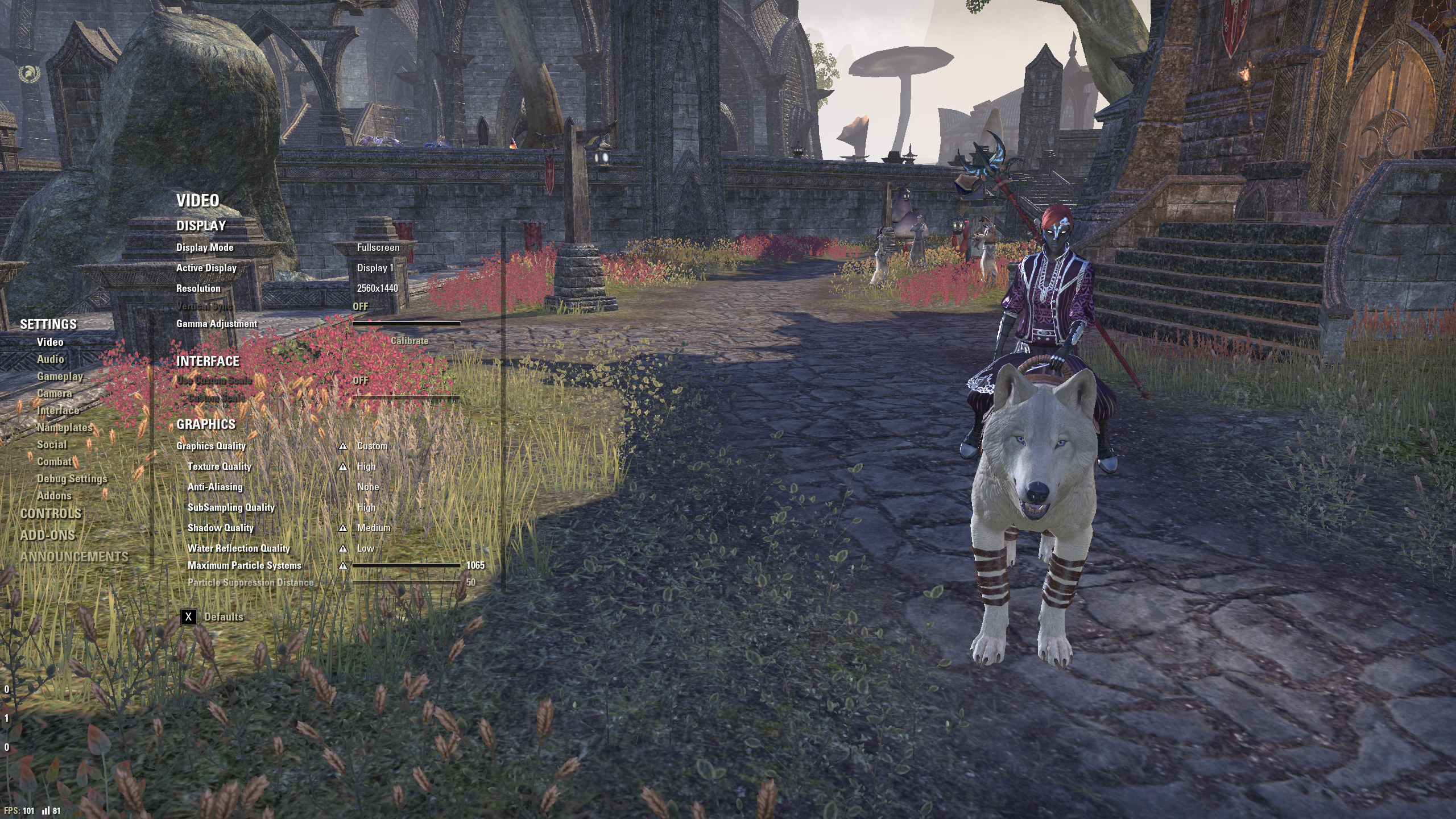
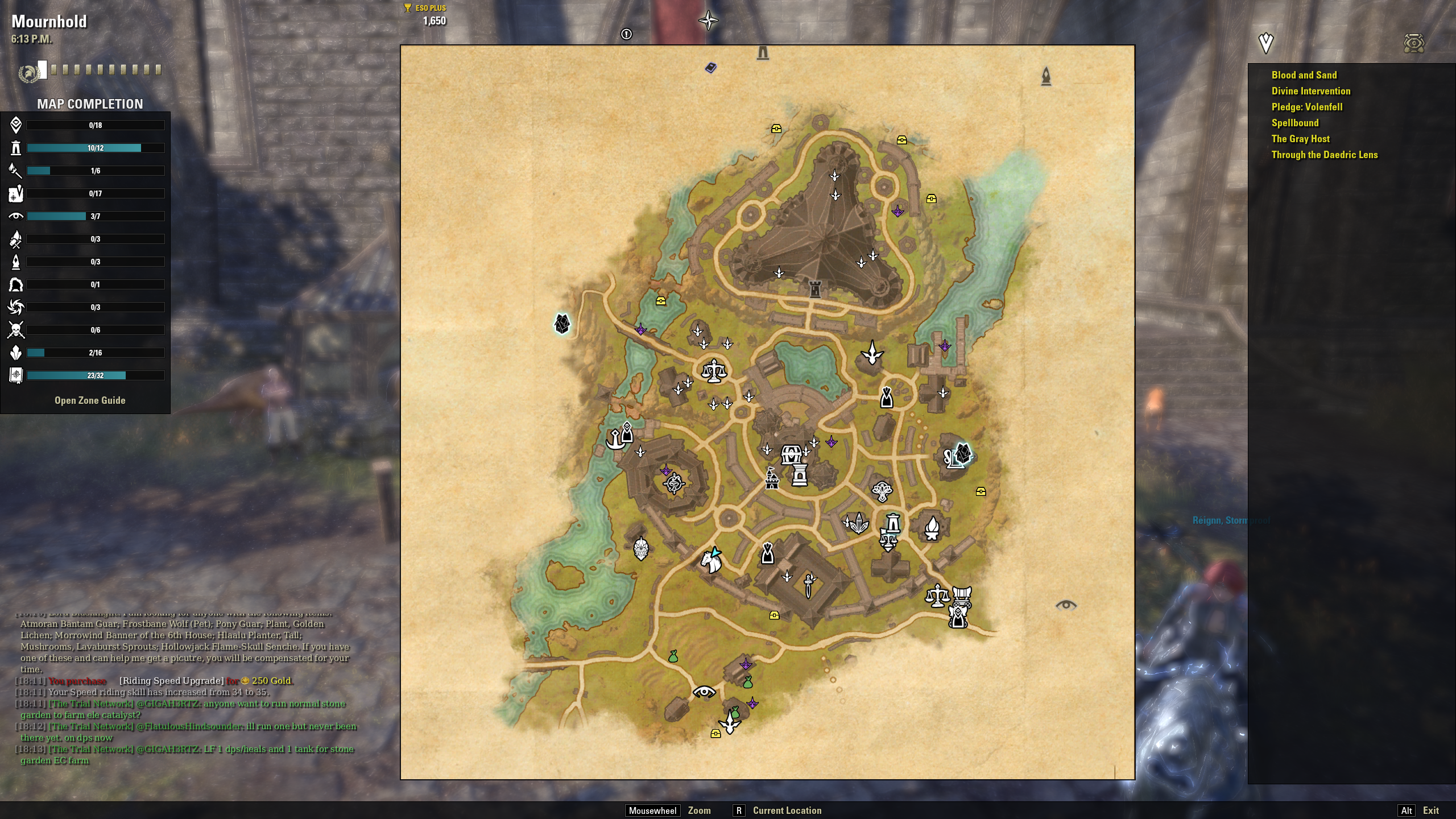
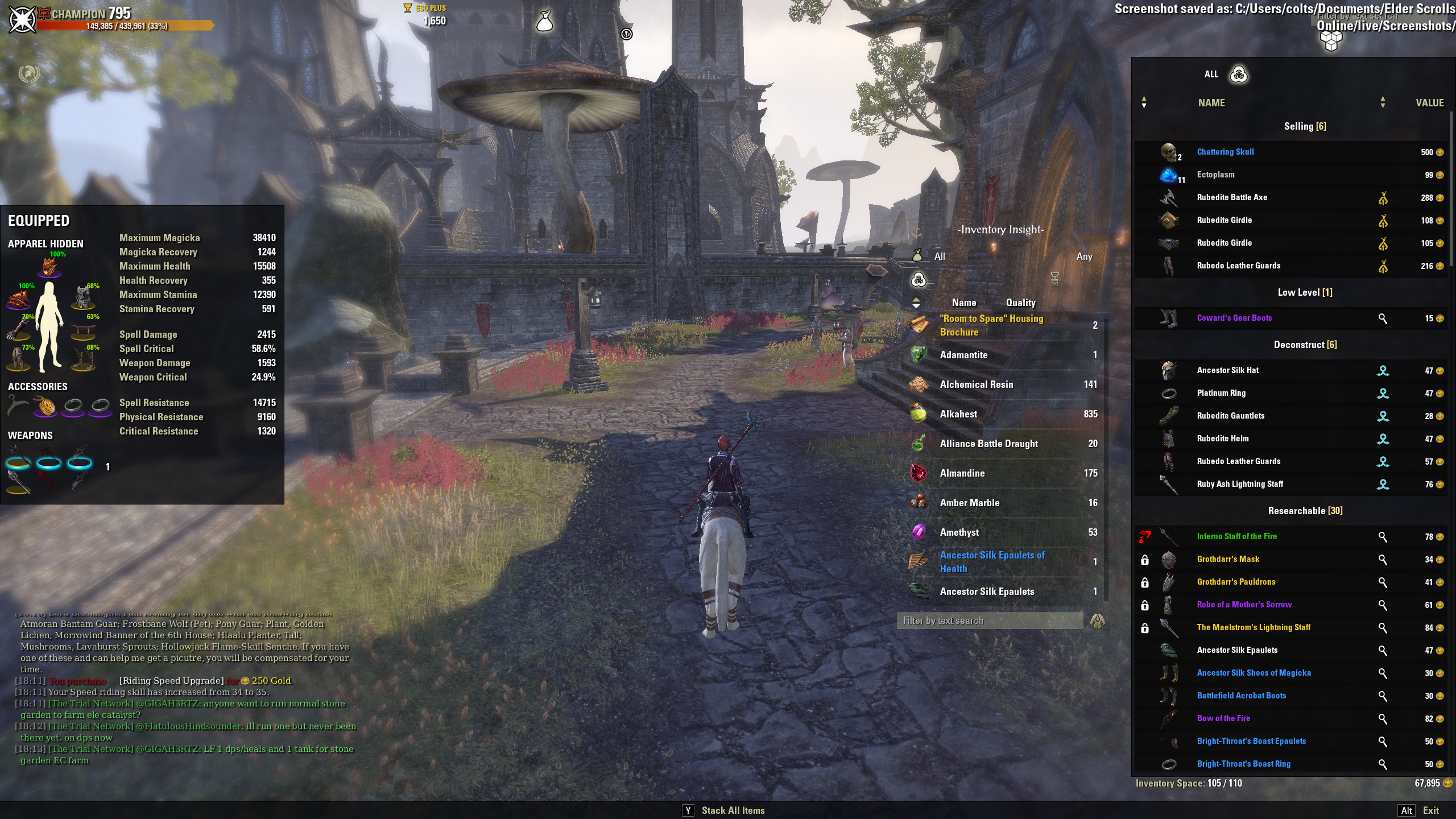
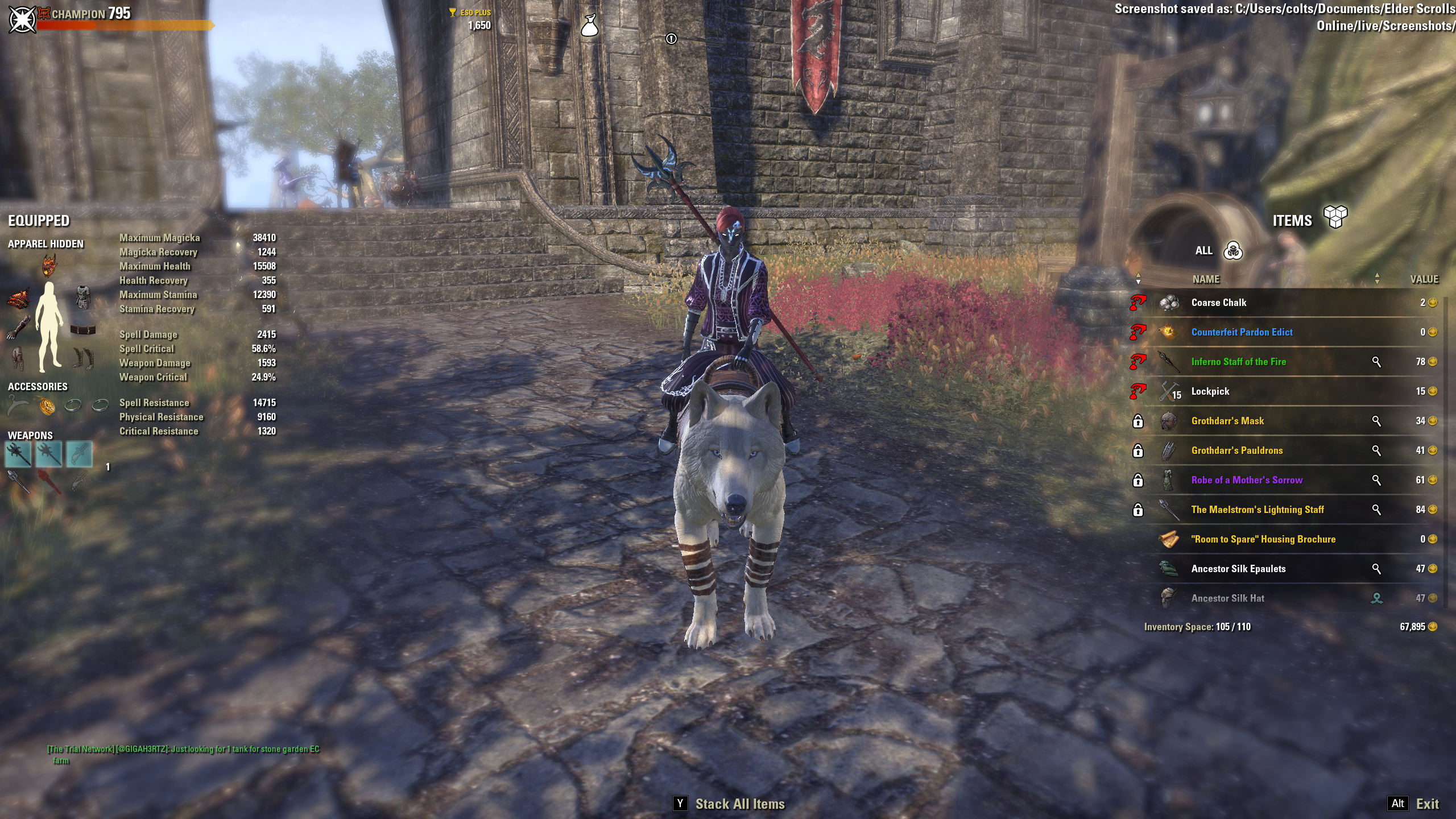
0
-
 Xaemyl✭✭✭I've tried repairing, uninstalling all addons, uninstalling the game and reinstalling. Same issue: missing ui elements. Is anyone else having this problem?0
 -
Xaemyl✭✭✭Have you tried to delete "Elder Scrolls Online\live\ShaderCache.cooked" ?
That in itself didn't work, but it led me to moving my live folder elsewhere and trying with it fresh, and the issue cleared up. So it's definitely something screwy with my settings somewhere. Thanks for the tip!
Edit: Reinstalled my addons (via Minion) and everything is good. Now I wonder what was corrupted. But that's a bug hunt for another day!Edited by Xaemyl on August 26, 2020 9:37PM0 -
Zode123Soul ShrivenSo it seemed to be a corrupted addon i went into minion and reinstalled all my addons and so far so good0

