Error 404 on ESO website

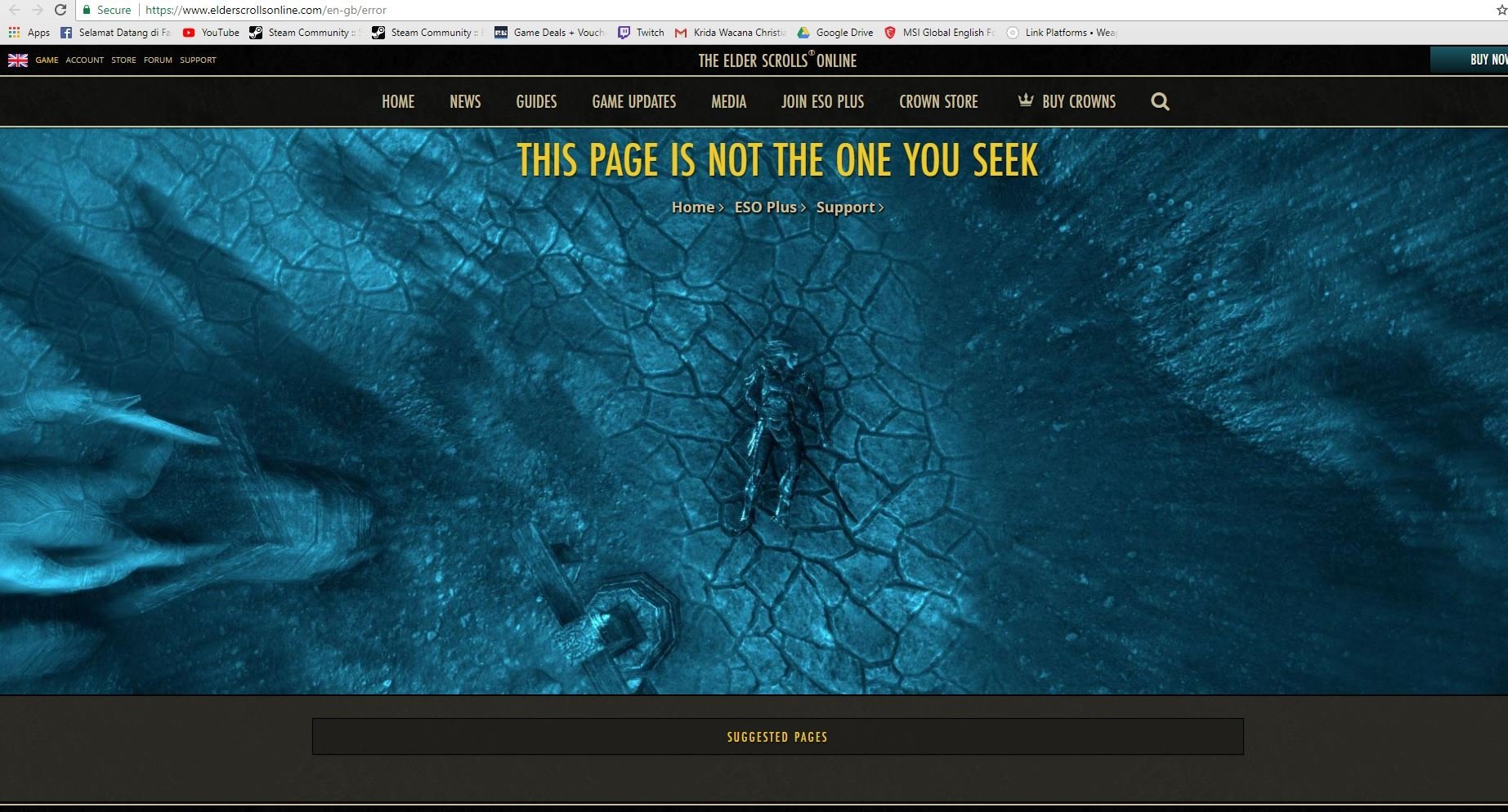
Can someone help me ?
i thought this one because ESO store maintenance but it still happen until right now.
But if i'm using incognito on chrome the website looks fine. Any ideas or suggestion ?
sry for bad english.
0
-
 ZOS_BilladminWe suggest changing some of your web browser's options, which can help proceed past the 404 error:
For Internet Explorer Web Browser:- Click on the Internet Explorer Cog wheel at the top-right of the browser.
- Select "Internet options" then open the Security tab and click "Reset all zones to default level."
- Click "Apply" and then go to the Connections tab and look for "LAN settings" at the bottom of the page.
- Uncheck everything on that screen and hit OK.
- Once that is done then go to the Advanced tab at the bottom and click "Reset" and check box that says "Delete personal settings."
- You will then be prompted to restart the computer. Note you may have to do these steps once again after the restart.
For Google Chrome Web Browser:
Reset your browser settings:- Click the Chrome menu on the browser toolbar.
- Select "Settings."
- Click "Show advanced settings" and find the "Reset browser settings" section.
- Click "Reset browser settings."
- In the dialog that appears, click "Reset."
The Elder Scrolls Online: Tamriel Unlimited - ZeniMax Online Studios
Forum Rules | Code of Conduct | Terms of Service | Home Page | Help Site0